LangChain Model Memory Not Working: Why Gemini Forgets Names and How to Fix It
Original question: Langchain-based model memory
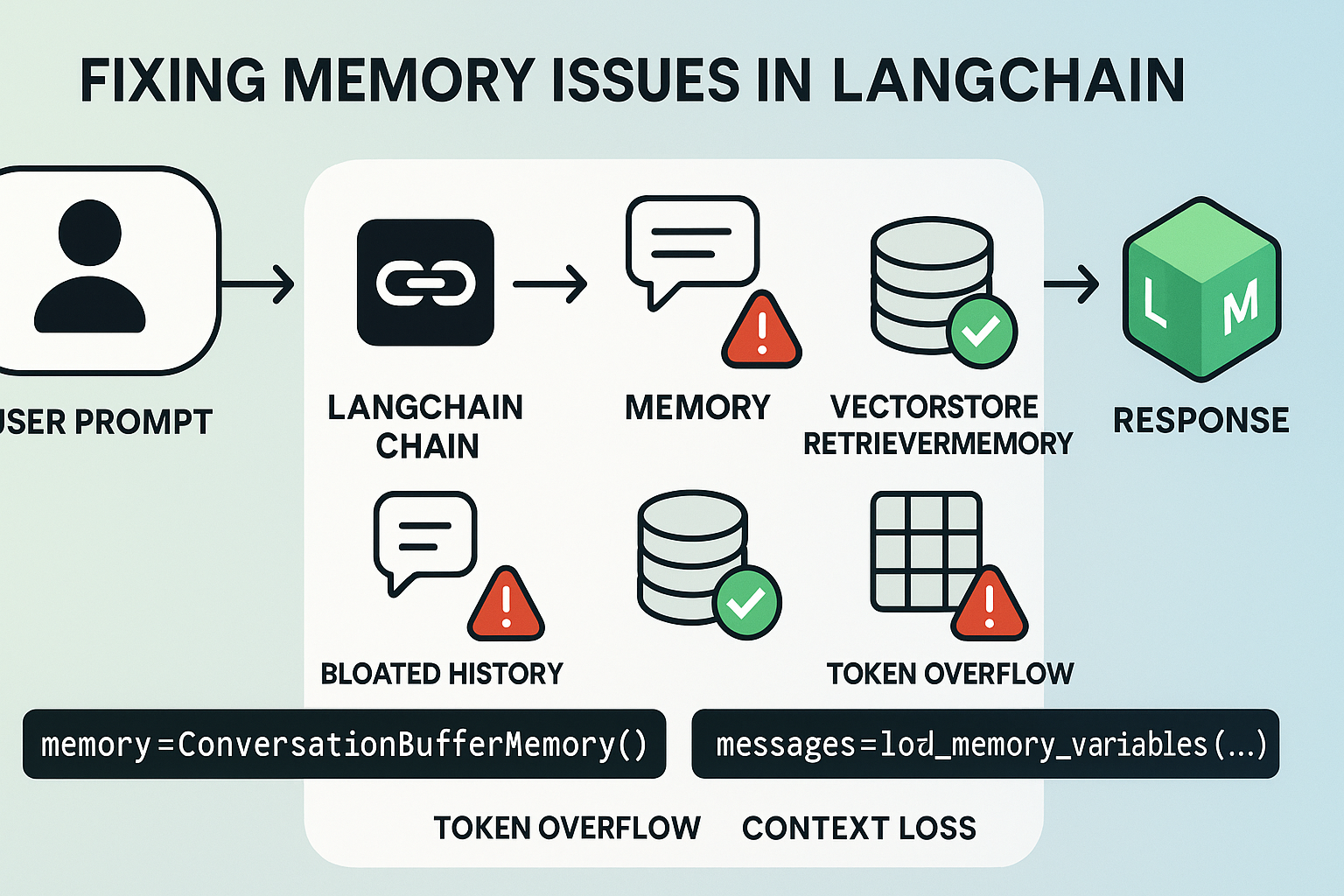
If your LangChain agent with MemorySaver fails to recall your name when using Gemini models, the problem is not the memory system. It is a model behavior difference. The memory is working correctly. The model interprets certain prompts as knowledge recall tasks rather than conversational lookups. To get consistent recall, rephrase your question to "Do you know my name?" or "Do you remember my name?" instead of "What's my name?" or switch to a model like Claude 3.5 Sonnet or Llama 3.2 that handles this prompt more naturally.
The Full Answer
This issue appears when you follow the official LangChain agent tutorial but use Google Gemini models instead of Anthropic Claude. The tutorial at https://python.langchain.com/docs/tutorials/agents/ uses anthropic:claude-3-5-sonnet-latest. That model behaves differently from Gemini when answering certain memory-related prompts.
How MemorySaver Works
MemorySaver from langgraph.checkpoint.memory stores the full message history for a given thread ID. When you call agent_executor.stream() with the same thread_id, LangGraph automatically retrieves the previous messages and includes them in the context window for the next request. You do not need to manually fetch history and prepend it.
Here is the standard setup from the official tutorial (adapted for Gemini):
import os
from langchain_tavily import TavilySearch
from langchain.chat_models import init_chat_model
from langgraph.checkpoint.memory import MemorySaver
from langchain_core.messages import HumanMessage
from langgraph.prebuilt import create_react_agent

os.environ.get('TAVILY_API_KEY')
search = TavilySearch(max_result=2)
tools = [search]

os.environ['HTTP_PROXY'] = 'http://127.0.0.1:7890'
os.environ['HTTPS_PROXY'] = 'http://127.0.0.1:7890'
os.environ.get('GOOGLE_API_KEY')
model = init_chat_model('gemini-2.5-flash', model_provider='google-genai')

memory = MemorySaver()
agent_executor = create_react_agent(model, tools, checkpointer=memory)
config = {'configurable': {'thread_id': 'agent003'}}

# First call
for step in agent_executor.stream(
    {'messages': [HumanMessage('Hi! I am Bob!')]}, config, stream_mode='values'
):
    step['messages'][-1].pretty_print()

# Second call
for step in agent_executor.stream(
    {'messages': [HumanMessage("What's my name?")]}, config, stream_mode='values'
):
    step['messages'][-1].pretty_print()
With Gemini 2.5 Flash, the second call returns something like: "I'm sorry, I don't have memory of past conversations. Could you please tell me your name again?"
Why "What's my name?" Fails
As confirmed by community member Ajeet Verma on Stack Overflow, the failure is not a LangGraph memory bug. It is a model behavior issue specific to Gemini. When you ask "What's my name?", Gemini interprets this literally as a knowledge recall task. Since the model does not have an internal persistent memory store that persists across API calls, it defaults to "I don't know your name."
When you ask "Do you know my name?" or "Do you remember my name?", the model interprets this more conversationally. It looks at the immediate chat history included in the same request and correctly extracts "Bob."
Here are the three runs with Gemini 2.5 Flash using the exact same code but different prompts:
1st run: prompt "What's my name?"
================================ Human Message =================================

Hi! I am Bob!
================================== Ai Message ==================================

Hello Bob! How can I help you today?
================================ Human Message =================================

What's my name?
================================== Ai Message ==================================

I'm sorry, I don't have memory of past conversations. Could you please tell me your name again?
2nd run: prompt "Do you know my name?"
================================ Human Message =================================

Hi! I am Bob!
================================== Ai Message ==================================

Hello Bob! How can I help you today?
================================ Human Message =================================

Do you know my name?
================================== Ai Message ==================================

Yes, your name is Bob.
3rd run: prompt "Do you remember my name?"
================================ Human Message =================================

Hi! I am Bob!
================================== Ai Message ==================================

Hello Bob! How can I help you today?
================================ Human Message =================================

Do you remember my name?
================================== Ai Message ==================================

Yes, I do, Bob!
Solution 1: Rephrase the Question
If you must use Gemini, change your application logic to ask memory questions in a conversational style. Instead of "What's my name?", use "Do you know my name?" or "Do you remember my name?" This works because the model treats these as context lookups rather than knowledge retrieval.
Solution 2: Switch to a Different Model
If you cannot control the user prompts, switch to a model that handles direct recall questions more reliably. The official tutorial uses anthropic:claude-3-5-sonnet-latest. Community testing shows that llama3.2:latest from Ollama also works well.
Here is the same code adapted for Ollama with Llama 3.2:
import os
from langchain_tavily import TavilySearch
from langgraph.checkpoint.memory import MemorySaver
from langchain_core.messages import HumanMessage
from langgraph.prebuilt import create_react_agent
from langchain_ollama import ChatOllama
from dotenv import load_dotenv

load_dotenv()
os.environ.get('TAVILY_API_KEY')
search = TavilySearch(max_result=2)
tools = [search]

model = ChatOllama(
    model="llama3.2:latest", temperature=0
)

memory = MemorySaver()
agent_executor = create_react_agent(model, tools, checkpointer=memory)

# Same thread_id for continuity
config = {"configurable": {"thread_id": "agent003"}}

# First turn
for step in agent_executor.stream(
    {"messages": [HumanMessage("Hi! I am Bob!")]}, config, stream_mode="values"
):
    step["messages"][-1].pretty_print()

# Second turn
for step in agent_executor.stream(
    {"messages": [HumanMessage("what's my name?")]}, config, stream_mode="values"
):
    step["messages"][-1].pretty_print()
Output with Llama 3.2:
================================ Human Message =================================
Hi! I am Bob!
================================== Ai Message ==================================
Tool Calls:
....
================================= Tool Message =================================
Name: tavily_search
....
================================== Ai Message ==================================
Your name is Bob! I've found multiple individuals with the name Bob, including Bob Marley, B.o.B, and Bob Iger. Is there a specific Bob you're interested in learning more about?
Notice that Llama 3.2 correctly answers "Your name is Bob!" to the direct question "what's my name?" without any prompt rephrasing.
Manual History Injection (Not Recommended)
One user attempted to manually fetch history and prepend it to the new message:
state = memory.get(config)
history = state["channel_values"]["messages"]
new_input = HumanMessage("What's my name?")
full_context = {"messages": history + [new_input]}

for step in agent_executor.stream(full_context, config, stream_mode='values'):
    step['messages'][-1].pretty_print()
This approach did not change the outcome with Gemini. The model still forgot the name. This confirms that the issue is not about whether history is present in the context window. It is about how Gemini interprets the prompt.
Common Pitfalls
Pitfall 1: Assuming MemorySaver is broken. If you test with Gemini and "What's my name?" fails, you might think MemorySaver is not working. Test with a conversational prompt first ("Do you know my name?") to confirm memory is actually functioning.
Pitfall 2: Not matching the tutorial model. The official LangChain agent tutorial uses Claude 3.5 Sonnet. If you substitute a different model, especially Gemini, you may see different behavior. Always check the model's prompt sensitivity.
Pitfall 3: Manually fetching and prepending history. This is unnecessary with MemorySaver. LangGraph automatically handles history for the same thread_id. Manual injection can lead to duplicate messages or incorrect message ordering.
Pitfall 4: Environment version mismatches. The user reporting this issue used python==3.9, langgraph==0.6.7, and langchain-core==0.3.76. If you use older or newer versions, the API may differ. Always check the LangGraph changelog for breaking changes.
Pitfall 5: Proxy configuration. The user had HTTP_PROXY and HTTPS_PROXY set. If you are behind a proxy, ensure these are set correctly. Otherwise, API calls to Tavily or the model provider may fail silently.
Related Questions
Does MemorySaver work with all LangChain models?
Yes, MemorySaver works with any model that LangChain supports. It stores messages in memory and passes them to the model as part of the conversation history. However, how the model uses that history depends on the model's training and prompt interpretation. Some models are more sensitive to phrasing than others.
Can I use a different checkpoint backend instead of MemorySaver?
Yes. LangGraph supports SqliteSaver and PostgresSaver for persistent storage across restarts. The same model behavior issues apply regardless of the backend. The checkpoint backend only affects where history is stored, not how the model processes it.
How do I debug whether memory is actually being stored?
You can inspect the stored state directly by calling memory.get(config). This returns a dict with a channel_values key containing messages. Print the length and content of that list to verify that history is accumulating across turns. If the list grows but the model still forgets, the issue is model behavior, not memory storage.
Will future Gemini versions fix this behavior?
It is possible. Model behavior changes with each version. Test your prompts with each new Gemini release. If the model starts answering "What's my name?" correctly from history, you can remove the prompt rephrasing workaround. Monitor the Gemini release notes for changes to context handling.
The #1 AI Newsletter
The most important ai updates, guides, and fixes — one weekly email.
No spam, unsubscribe anytime. Privacy policy
Sources & References
This page was researched from 2 independent sources, combined and verified for completeness.
- 1.Answer by Ajeet Verma (score 1, accepted)Stack Overflow · primary source
- 2.Langchain-based model memoryStack Overflow
Related Answers
Keep exploring
Latest error solutions
Skip the manual work
Ready-made AI workflows and automation templates — import and run instead of building from scratch.