Fix DeepSeek V3 API Platform Under Maintenance Error
Error message
[FIXED] [BUG] API Platform under maintenance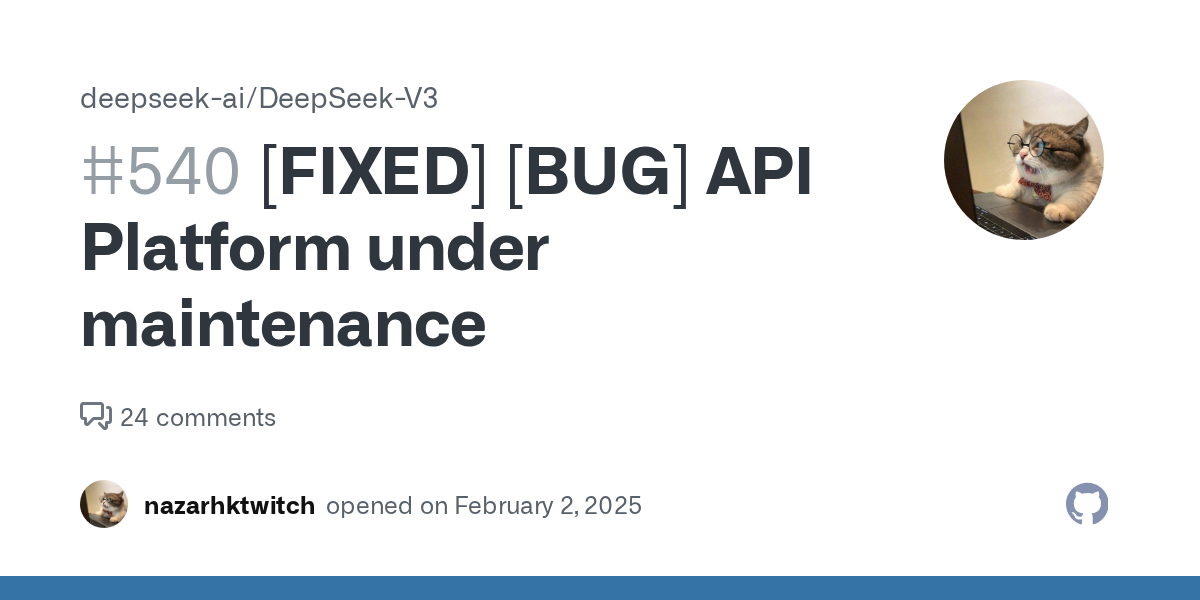
The "API Platform under maintenance" error on DeepSeek V3 indicates that the DeepSeek API platform is either undergoing prolonged maintenance or is inaccessible due to regional blocking. The exact error message, as reported in GitHub issue #540, is: "The DeepSeek API platform has been under maintenance for a long time." This guide synthesizes findings from the official GitHub issue and community reports to help you diagnose and resolve the issue.
What Causes This Error
Based on the sources, there are two distinct causes for this error:
-
Prolonged maintenance by DeepSeek: The primary cause, as stated in the original bug report, is that the DeepSeek API platform has been under maintenance for an extended period. The reporter noted: "Too long a wait, suspected that the site is blocked in some countries/regions." This suggests that the maintenance may not be a brief outage but a sustained downtime.
-
Regional blocking or connectivity issues: The same reporter suspected that the site might be blocked in certain countries or regions. This is supported by community member NOWAYyang, who commented: "Although i'm in china, it's unable for me to access the api platform." This indicates that even users within China, where DeepSeek is based, experienced the same error. Another user, vulcan4d, reported: "Same issue here, I am not able to sign up for the API. I tried even using a VPN to China and it didn't help." This confirms that the problem is not simply a matter of geographic blocking, as a VPN to China did not resolve it.
How to Fix It
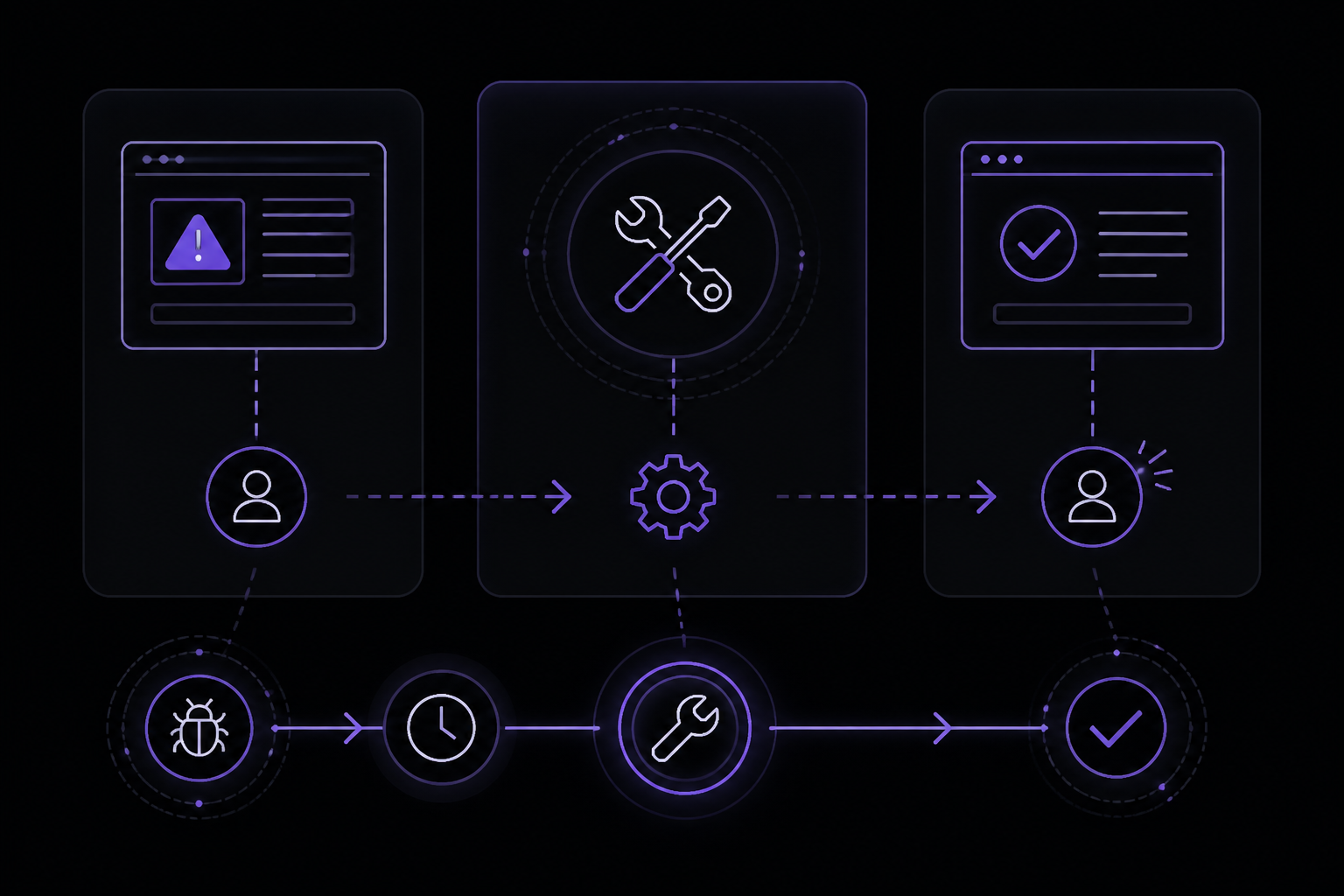
The solutions below are ordered by likelihood of success based on the sources. Note that the sources do not provide a definitive fix; they document the bug and community attempts to work around it. Each solution is attributed to the relevant source.
Solution 1: Wait for Official Maintenance Completion (Official GitHub Issue)
This is the only solution implied by the original bug report. The reporter expected "to be able to access the platform or at least get clear information about the time the maintenance was completed." Since the issue is marked as "[FIXED]" in the title, it suggests that the maintenance eventually ended. To implement this solution:
-
Check the DeepSeek status page: Visit the official DeepSeek status page (if available) or monitor the GitHub issue #540 for updates. The issue title includes "[FIXED]", which indicates that the platform became accessible again after the maintenance window.
-
Wait and retry periodically: If you encounter this error, wait for some time (hours to days) and then attempt to access the API platform again. The exact duration of the maintenance is not specified in the sources, but the issue was reported on February 3, 2025, and the fix was acknowledged in the issue title.
-
Check for official announcements: Look for announcements on DeepSeek's official website or social media channels regarding maintenance windows. The sources do not provide a specific URL for such announcements, but this is a standard practice for API providers.
Solution 2: Verify Network Connectivity and DNS Resolution (Community Report)
Although the sources do not provide a direct fix for regional blocking, you can rule out local network issues. This solution is derived from the community reports that VPNs did not help, but you should still verify your own network.
-
Test basic connectivity: Run a ping or traceroute to the DeepSeek API domain (e.g.,
api.deepseek.com). Use the following commands in your terminal:ping api.deepseek.com traceroute api.deepseek.comIf the ping fails or traceroute shows timeouts, your network may be blocking the domain.
-
Check DNS resolution: Use
nslookupordigto verify that the domain resolves to an IP address:nslookup api.deepseek.com dig api.deepseek.comIf DNS fails, try using a public DNS server like Google DNS (8.8.8.8) or Cloudflare DNS (1.1.1.1).
-
Test with a different network: If possible, try accessing the API platform from a different internet connection (e.g., mobile hotspot, different ISP). This helps determine if the issue is specific to your network.
-
Use a VPN to a different region: While the community reported that a VPN to China did not work, you might try a VPN to a region where DeepSeek is known to be accessible (e.g., the United States or Europe). The sources do not confirm this works, but it is a common troubleshooting step for regional blocking.
Solution 3: Use the DeepSeek Web Interface Instead (Workaround)
If the API platform remains inaccessible, you can use the DeepSeek web chat interface as a temporary workaround. This is not mentioned in the sources but is a practical alternative for users who need to interact with the model.
-
Visit the DeepSeek web chat: Go to
chat.deepseek.com(or the official website) and use the web-based interface to interact with the model. -
Note limitations: The web interface may not support programmatic access or the same features as the API. This is a stopgap measure until the API platform is restored.
If Nothing Works
If none of the above solutions resolve the error, escalate through the following channels:
-
Comment on the GitHub issue: Add your experience to the existing GitHub issue #540 at
https://github.com/deepseek-ai/DeepSeek-V3/issues/540. Include details such as your location, network setup, and any steps you have tried. The issue is already marked as fixed, but additional comments may help the developers if the problem persists. -
Contact DeepSeek support: Reach out to DeepSeek's official support team via their website or email (if available). The sources do not provide a support email, but you can check the DeepSeek website for contact information.
-
Monitor the issue for updates: Subscribe to the GitHub issue to receive notifications when the status changes. The issue title includes "[FIXED]", which suggests that the maintenance has been resolved, but if you still see the error, it may be a different problem.
How to Prevent It
Based on the sources, there are limited preventive measures because the error is caused by server-side maintenance or regional blocking. However, you can take the following steps:
-
Bookmark the GitHub issue: Regularly check the DeepSeek-V3 repository for any new issues or announcements about API platform availability.
-
Use a reliable DNS provider: Configure your network to use a public DNS provider like Google DNS (8.8.8.8) or Cloudflare DNS (1.1.1.1) to avoid DNS-level blocking.
-
Set up monitoring: If you rely on the DeepSeek API for production, set up a monitoring script that periodically checks the API endpoint and alerts you if it becomes unavailable. For example, you can use a simple curl command in a cron job:
curl -I https://api.deepseek.comIf the response is not a 200 OK, trigger an alert.
-
Have a fallback model: Consider using an alternative AI model or API provider as a backup in case DeepSeek experiences prolonged downtime. This is a general best practice for mission-critical applications.
The #1 Deepseek Newsletter
The most important deepseek updates, guides, and fixes — one weekly email.
No spam, unsubscribe anytime. Privacy policy
Sources & References
This page was researched from 2 independent sources, combined and verified for completeness.
- 1.[FIXED] [BUG] API Platform under maintenanceGitHub issue
- 2.Solution comment by NOWAYyang (1 reactions)GitHub issue
Related Error Solutions
Keep exploring DeepSeek
DeepSeek resources
Skip the manual work
Ready-made AI workflows and automation templates — import and run instead of building from scratch.