
Back to Blog antigravity
 githubactions
 ai
ai![[GCP Billing & Vertex AI] Solving Gemini Cost Allocation in a Single Project: Vertex AI Dynamic Billing Labels in Action](https://media2.dev.to/dynamic/image/width=1200,height=627,fit=cover,gravity=auto,format=auto/https%3A%2F%2Fdev-to-uploads.s3.us-east-2.amazonaws.com%2Fuploads%2Farticles%2Fb6yzipcljv2243f1njmh.png) ai
ai ai
ai aie
aie gemini
Remote Control Antigravity - Migrating to new Antigravity ecossytem and fully autonomous goals
Marcelo Costa July 10, 2026
0 views
In my previous post, we explored how to build an AI-powered IDE companion app from scratch using...
In my previous post, we explored how to build an AI-powered IDE companion app from scratch using Antigravity and Gemini 3.1. We built a PWA that communicates via WebSockets to a local Rust backend, intercepting IDE commands and effectively giving us a remote control for our AI agent.
But here's the golden rule of software development: when you reverse engineer things, you need to be prepared for them to break.
And break it did!
With the recent launch of Antigravity 2.0, the ecosystem evolved from just being an AI-powered IDE into a suite of multiple tools, including a powerful standalone CLI which replaced Gemini CLI. Originally, my companion app didn't even use the CLI, it operated strictly as a remote control for the IDE itself using the Chrome Developer Protocol (CDP).
My remote control ended up being broken mostly because the binaries and the way to interact with them changed with the tools.
Ironically, to fix it, I used the very thing I was trying to integrate: Antigravity 2.0. I paired with the new agent to figure out how to integrate with the new foundation, adapt the codebase, and successfully bring CLI execution to the bridge. Here is how we did it.
The Architecture: Bridging the Gap
To understand the changes, we first need to look at how the application is wired up. The PWA sends a payload over WebSockets to bridge-core. That payload is also routed now to the new cli_adapter (if you want full details read the previous blog post), which is responsible for spawning the Antigravity agent on the host machine and streaming the output back.
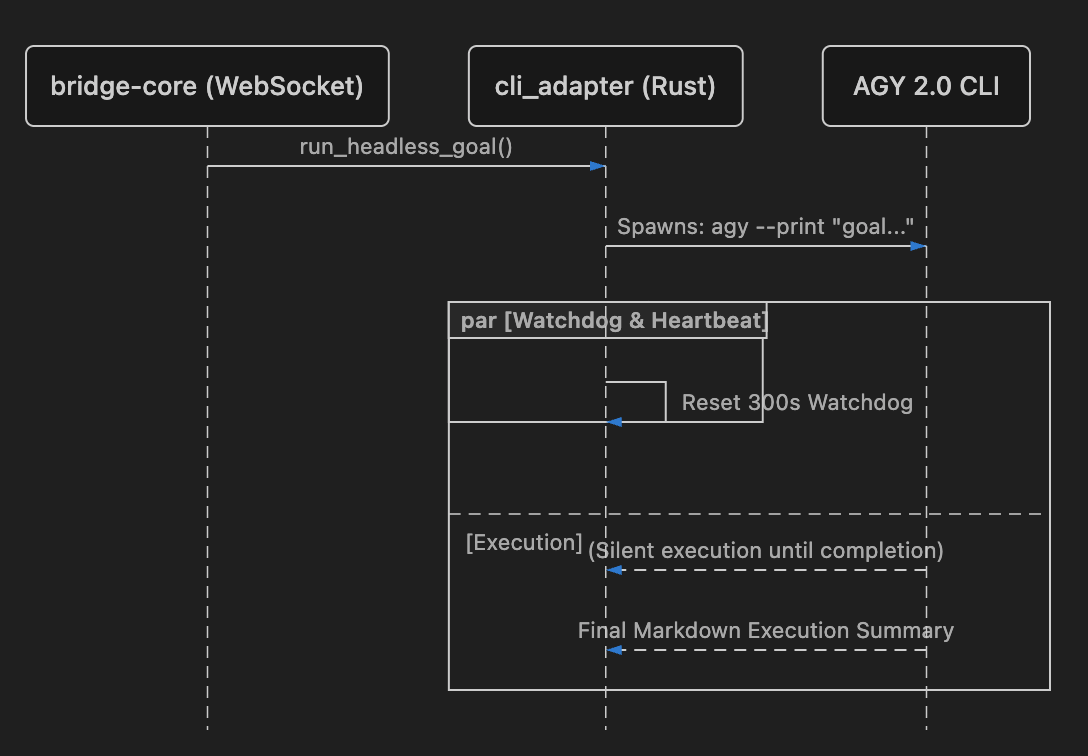
Bridging the PWA and the CLI
To bring the CLI to the PWA, we needed to create a communication layer. The PWA itself is entirely decoupled from the host operating system, so it relies on the bridge-core Rust backend to do the heavy lifting.
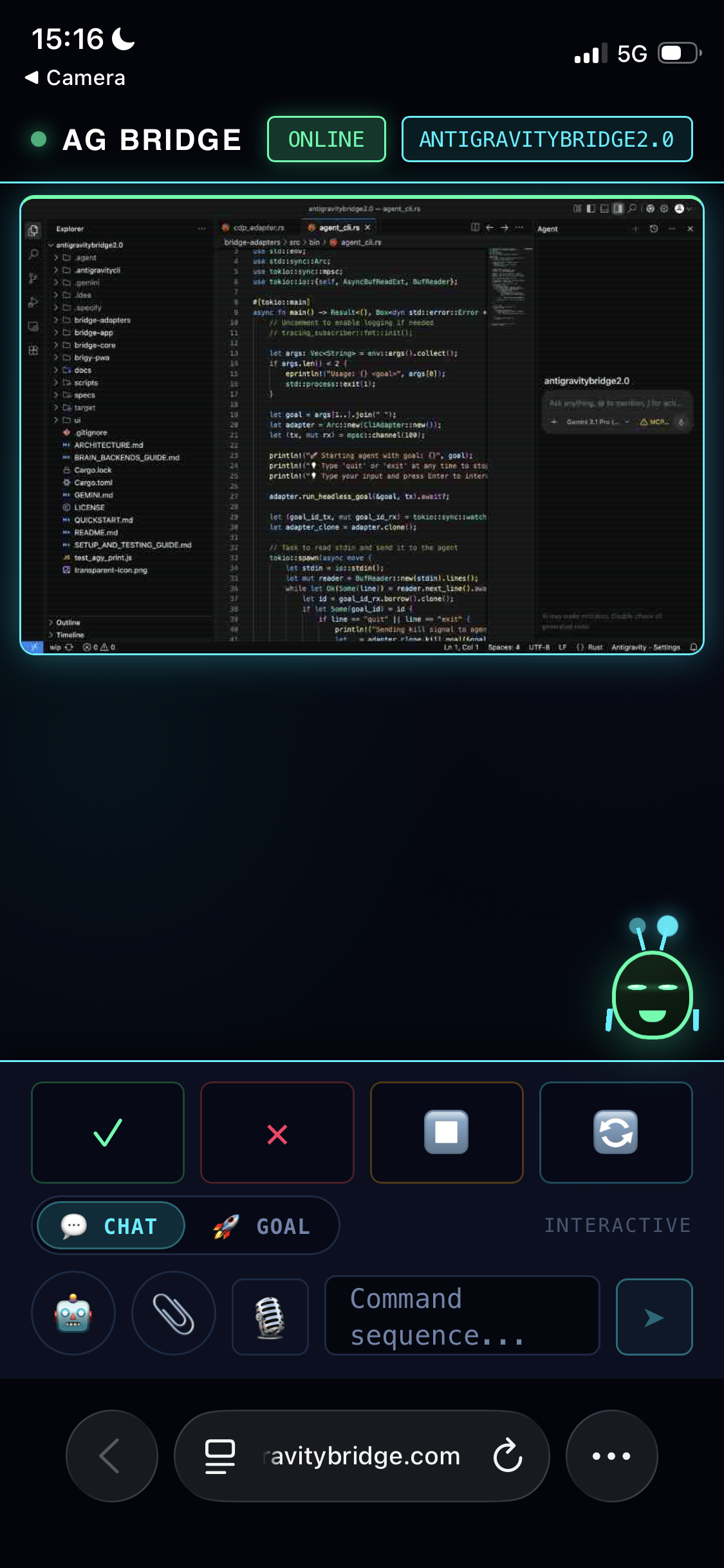
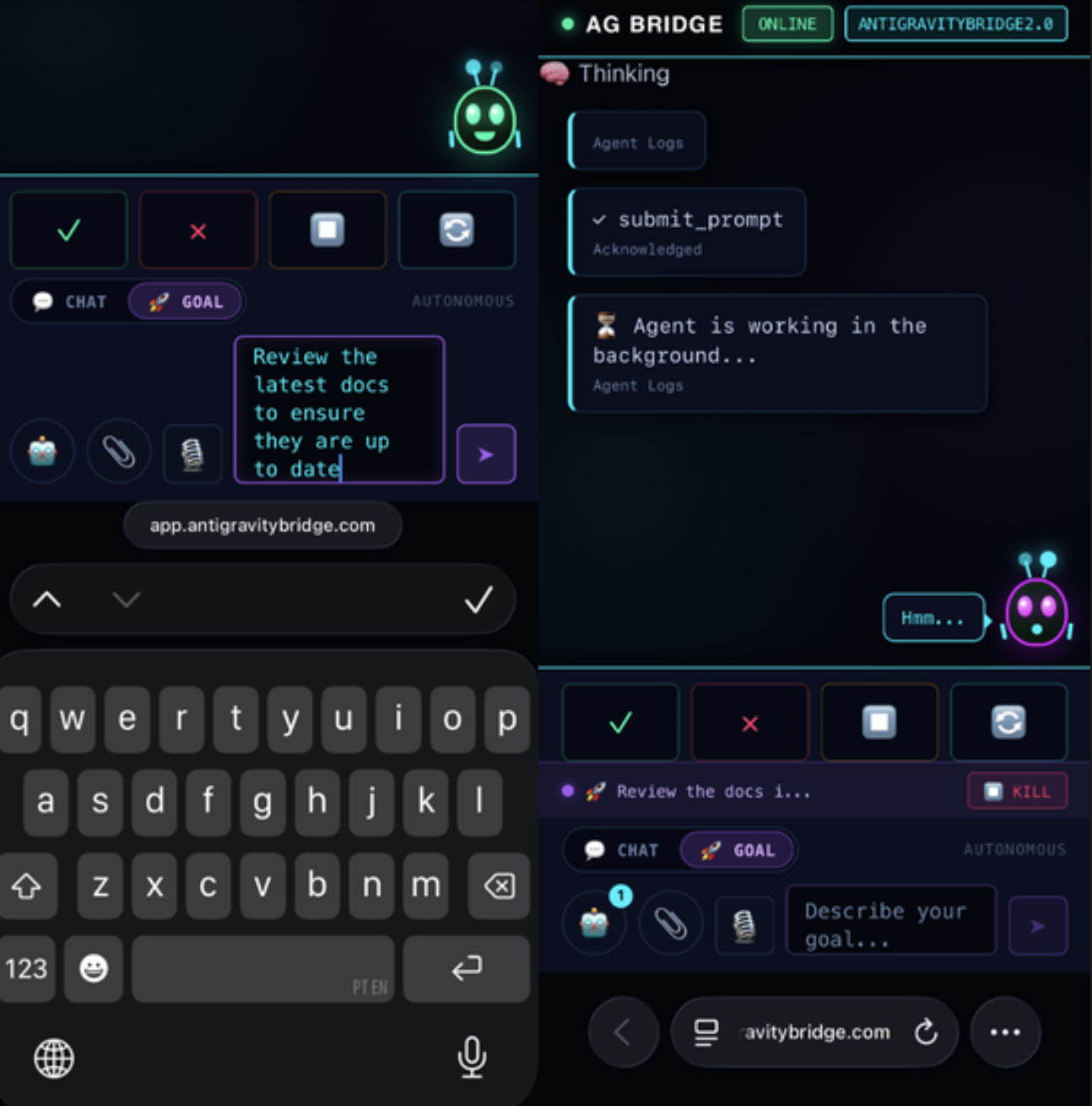
When you submit a goal from the companion app, the PWA sends a WebSocket message to the backend. From there, the cli_adapter takes over. Its job is to act as the process manager for the Antigravity agent:
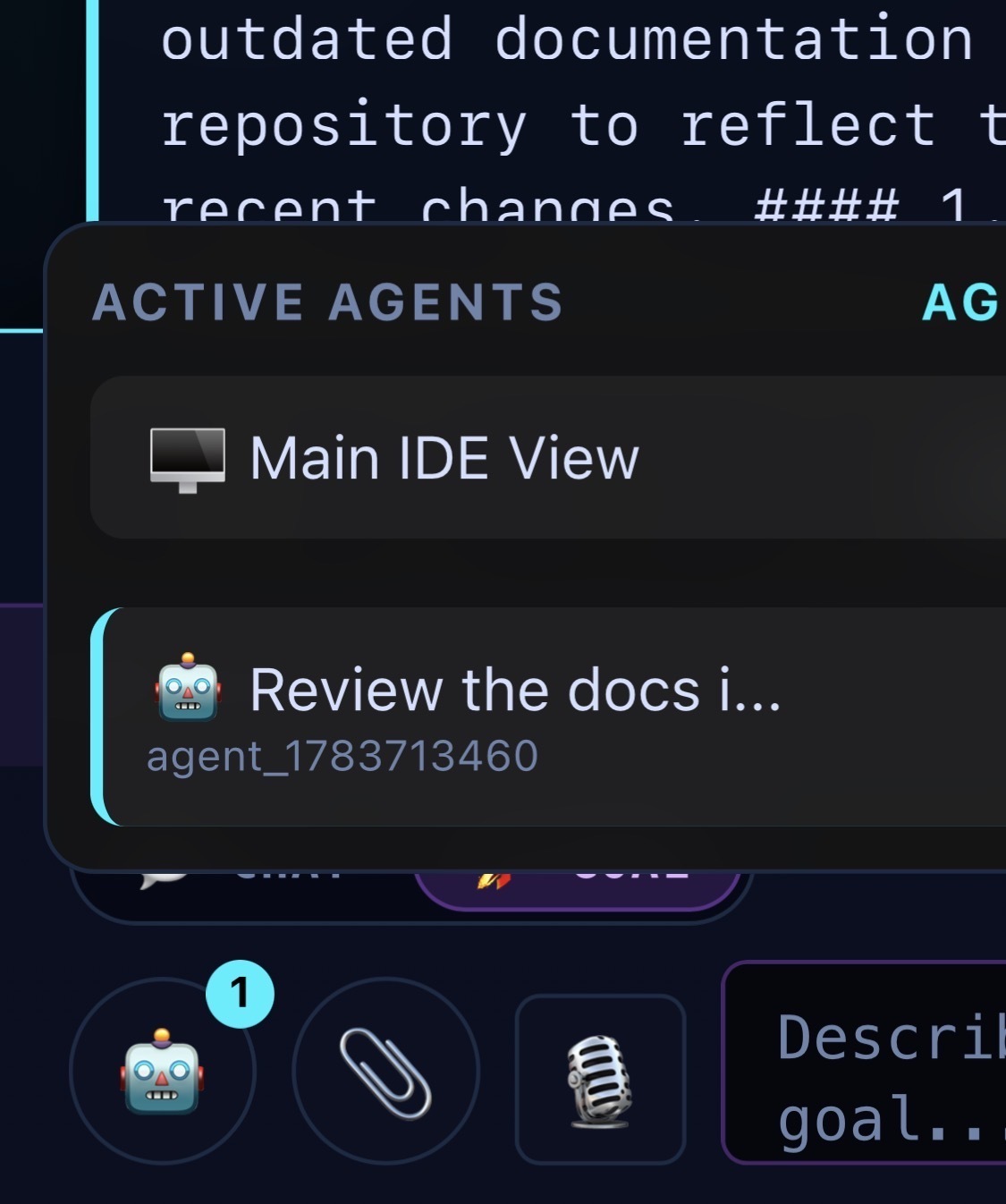
- Spawning: It dynamically resolves the location of the agy binary on your machine and uses tokio::process::Command to spawn a headless, non-interactive instance of the agent in the background.
-
Streaming Progress: Because background processes can take a while to complete complex coding goals, the adapter manages asynchronous streams to capture the agent's output and heartbeat signals, piping them back over the WebSocket to the PWA so you are never left staring at a frozen screen.
-
Process Control (Kill Switch): We also needed a way to abort long-running tasks safely. By wrapping the spawned process with tokio's async select loops and maintaining a registry of active "kill switches" in memory, the PWA can instantly send an abort signal that terminates the background agent on demand.
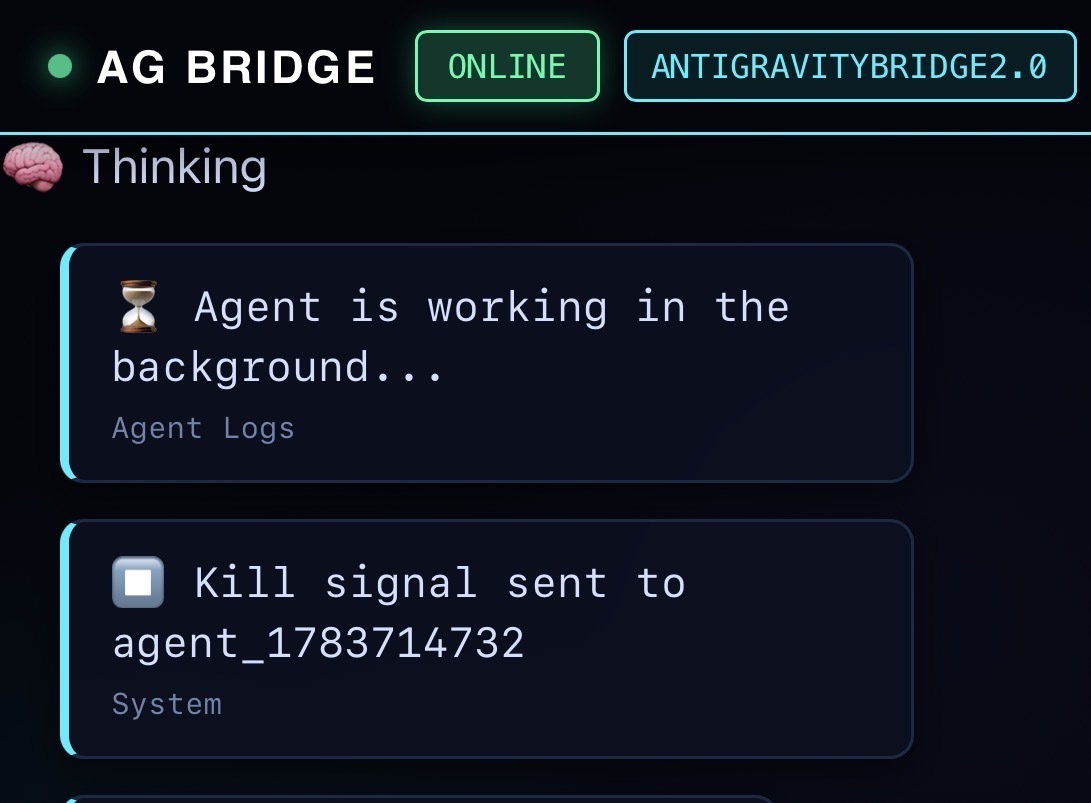
By letting Rust handle the messy process lifecycle management, the PWA remains lightweight while still offering full control over the Antigravity CLI.
Wrapping Up
By adapting our Rust backend to properly manage the new CLI tool, we brought the companion app back from the dead. Migrating to the new Antigravity ecosystem took a bit of reverse engineering, but having a fully autonomous AI agent accessible from a custom PWA was well worth the effort.
If you have ever had a major update completely nuke your weekend side project let me know!
And if you want to try it yourself can find the repo here: https://github.com/mesmacosta/antigravitybridge2.0.
Google Cloud credits are provided for this project.
Comments
More Blog
View allgithubactionsAutomated GitHub Code Reviews Using Google Gemini
I Built a Thing! TL;DR — Google Gemini-based Pull Request reviews and Issue Triaging for...
D
Darren "Dazbo" LesteraiStop Your LLMs from Forgetting (Part 2): How a Graph-Anchor Pyramid Cures AI’s Relational Blindspots
Have you ever had a brilliant solution get completely crushed by a single comment on a technical blog...
T
Tanaikeai[GCP Billing & Vertex AI] Solving Gemini Cost Allocation in a Single Project: Vertex AI Dynamic Billing Labels in Action
Pain Point: How to Accurately Allocate Gemini API Costs Within the Same Project? When...
E
Evan LinaiStop Your LLMs from Forgetting: How a 2016 String Algorithm Solves AI's Biggest Memory Loss Problem
Have you ever tried to read a massive pile of reports and summarize them in under 50 words? It’s...
T
TanaikeaieGoogle VP of Technology says he’s given up on coding
In his keynote on Wednesday, Benoit Schillings, vice president of Technology at Google DeepMind and...
I
Iain ThomsongeminiOmni Flash Preview with Kiro
This article covers the MCP setup and configuration for using Google Omni Preview and underlying...
X
xbillReady-made automations for this
Workflows from the Neura Market marketplace related to this Gemini resource
- Build AI Agents with Think-Plan-Act Architecture Using Llama-4 Reasoningn8n · $24.99 · Related topic
- Write a WordPress Post with AI (Starting from a Few Keywords)n8n · $24.99 · Related topic
- AI-Powered Upwork Cover Letter Generator - Pinecone, Groq, Google Gemini, SerpAPIn8n · $14.99 · Related topic
- AI-Powered Autonomous Research Workflow for Content Monetizationn8n · $4.52 · Related topic