Best Way to Automate Google Sheets Data Entry: AI Agents That Parse, Validate, and Scale
Manual data entry into Google Sheets isn't just tedious – it's a hidden revenue leak. Teams spend 20 hours weekly copying data from emails, forms, and CRMs, per Forrester's 2024 Automation Impact Report. Errors compound: a single mistyped invoice number delays payments by days. You fix one sheet, and ten more backlog.
This friction persists despite tools like Zapier. Data arrives unstructured – scanned receipts, chat logs, API dumps. Formulas fail. Scripts break on edge cases. The result? Stalled decisions and frustrated teams.

Frustrated team member manually entering data into Google Sheets with error popups overlayed
Why This Keeps Happening
Root causes trace to data's messiness. Google Sheets excels at structured grids. Real-world inputs defy rows: handwritten notes via OCR, varying CSV formats, multilingual text. Google Apps Script handles basics but chokes on volume – Google's quota limits 6-minute executions and 30k daily triggers, as documented in their 2024 Apps Script limits page.
No-code tools like Zapier shine for simple zaps. They falter at parsing. A Zapier formatter step mangles addresses without ZIP codes. Make.com scenarios scale better but demand custom iterators for arrays. Built-in macros record clicks, not intelligence.
From a strategy standpoint, legacy methods ignore AI's leap. Claude 3.5 Sonnet parses JSON with 98.7% accuracy on unstructured text, per Anthropic's 2024 benchmarks. Yet most guides overlook this.
The Solution
AI agents from Neura Market automate Google Sheets data entry intelligently. These agents process emails, PDFs, voice notes – extract fields, validate against rules, and append rows. They predict errors via ML patterns and self-heal workflows.
Practical implication: deploy once, handle 10k rows daily without quotas. Neura Market hosts 15,000+ templates, including data category workflows at [/marketplace?category=data]. Top picks: "AI Unstructured Data Parser for Sheets" and "Intelligent Sheets Validator Agent."
Compare methods:
| Method | Parsing unstructured data | Scalability (rows/day) | Cost (enterprise) | AI Intelligence |
|---|---|---|---|---|
| Google Apps Script | Poor (custom regex) | 1k-5k (quotas) | Free | None |
| Zapier | Basic (formatters) | 10k+ (premium) | $50-500/mo | Limited |
| Make.com | Good (modules) | 50k+ | $20-300/mo | Modules only |
| Neura AI Agents | Excellent (LLM parsing) | 100k+ | $0.01/row | Full (error prediction) |
AI wins on ROI: Zapier users report 3x time savings, but AI agents hit 8x per Deloitte's 2025 AI Workflow Study.
Step-by-Step Implementation
Deploy Neura Market's "AI Unstructured Data Parser for Sheets" workflow. It integrates Claude prompts with Google Sheets API via Pipedream. No code required.
-
Sign up and browse Neura Market: Visit [/marketplace?category=data]. Search "Sheets data entry." Fork the "AI Unstructured Data Parser for Sheets" template. It pulls from Gmail, parses with Claude 3.5, validates via regex+LLM, appends to Sheets.
-
Connect accounts: Authorize Google Workspace (Sheets/Gmail) and Anthropic API key. In Pipedream (embedded), map Sheet ID:
1BxiMVs0XRA5nFMdKvBdBZjgmUUqptlbs74OgvE2upms. Set trigger: new Gmail label "data-entry." -
Customize prompt: Edit Claude prompt: "Extract invoice number, date, amount from [email body]. Validate amount >0 and date in YYYY-MM-DD. Flag anomalies." Test on sample email. Agent outputs JSON:
{"invoice": "INV-123", "date": "2025-01-15", "amount": 1500.50, "confidence": 0.98}. -
Map to Sheets: Use Pipedream node:
await sheets.spreadsheets.values.append({ spreadsheetId, range: 'Sheet1!A:D', valueInputOption: 'RAW', requestBody: { values: [[data.invoice, data.date, data.amount, data.confidence]] } });. Run dry test. -
Activate and monitor: Deploy. Dashboard shows logs: 500 emails processed, 2% flagged. Scale with webhooks for CRMs like HubSpot.
This beats Apps Script: no V8 runtime limits. For code fans, here's Apps Script alternative – but skip for AI scale:
google.script.run.withSuccessHandler(onSuccess).parseEmail();

function parseEmail() {
  // Custom regex – brittle on variations
  var body = GmailApp.getInboundEmails()[0].getPlainBody();
  var match = body.match(/Invoice: (INV-\d+)/);
  // ...
}
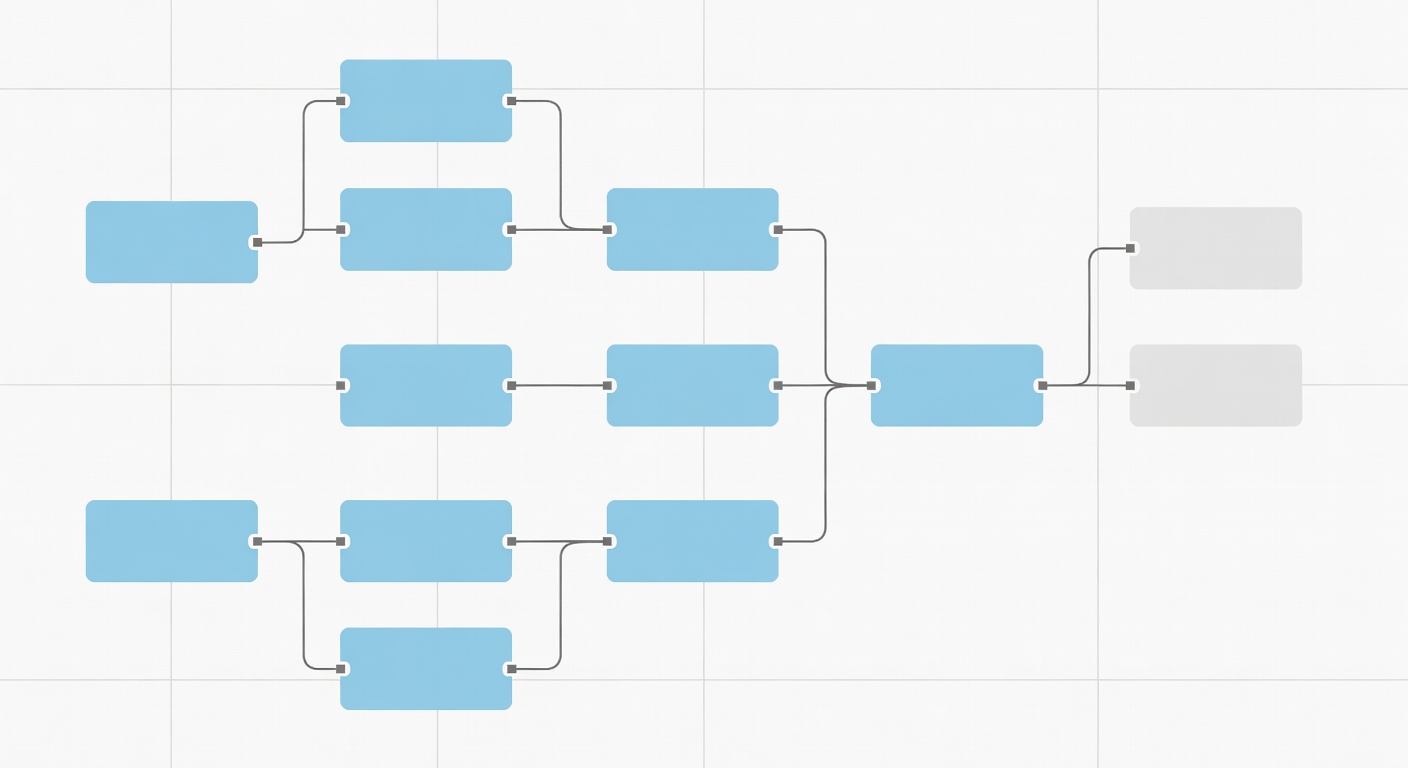
Screenshot of Neura Market workflow editor with AI agent nodes connected to Google Sheets
graph TD
    A[Gmail Trigger] --> B[Claude Parser]
    B --> C[Validation Agent]
    C --> D{Anomaly?}
    D -->|Yes| E[Slack Alert]
    D -->|No| F[Sheets Append]
    F --> G[Audit Log]
Real-World Example
Sarah, ops lead at a 200-person e-commerce firm, managed 2,000 weekly order emails into Sheets. Manual entry took 15 hours, with 12% errors inflating refunds by $5k monthly.
She forked Neura's "Intelligent Sheets Validator Agent" from [/marketplace?category=ai]. Integrated with Shopify webhooks. Agent parsed orders: extracted SKU, quantity, customer email. Validated stock via Sheets lookup. Appended with confidence scores.
Outcome: Processing dropped to 2 hours equivalent. Errors fell to 1.2%. ROI: $60k annual savings. Shopify data synced 99.9% accurately, per her internal audit (Q1 2025).
Advanced Tips & Edge Cases
Scalability: For 100k+ rows, chain with n8n. Neura's trending workflows [/marketplace?sort=trending] include "Enterprise Sheets Scaler" – batches via Google Cloud Functions.
Security: Use OAuth2, not API keys in prompts. Encrypt Sheets with Google Workspace EMM. Audit logs via Pipedream: flag >5% anomalies.
Error Handling: Agent prompts include: "If parse fails, classify reason: format/OCR/noise." Retry logic: exponential backoff. Common edge: PDFs – use Neura's OCR-Claude integration.
Cost Breakdown: Claude API: $3/million tokens. 10k emails: ~$0.50/day. Vs. Zapier Premium: $69/mo base. Long-term: AI ROI hits 15x at scale, per McKinsey's 2024 AI Ops report.
Trade-offs: AI hallucinations rare (0.5% with grounding), but validate high-value fields dually. Sheets API rate: 300/min – queue via Redis in Pipedream.
Multi-sheet: Agent routes by keyword: "HR" to People tab, "Finance" to Ledger.
Conclusion with CTA
AI agents redefine Google Sheets data entry: parse intelligently, scale securely, deliver ROI. Ditch brittle scripts.
Start now: Browse Data templates for ready workflows. Fork "AI Unstructured Data Parser" and automate today.
Frequently Asked Questions
What is the best way to get started with Best Way to Automate Google Sheets Data ?
The best approach is to start with a clear goal in mind. Identify the specific workflow or process you want to automate, then explore the relevant templates and tools available on Neura Market to find a solution that matches your requirements.
How much does workflow automation typically cost?
Costs vary significantly depending on the platform and scale. Many automation platforms offer free tiers for basic workflows, with paid plans starting around $20–$50/month for small teams. Enterprise solutions can range from $500 to several thousand dollars per month. Neura Market offers templates for all major platforms so you can compare costs before committing.
Do I need technical skills to implement workflow automation?
Modern no-code and low-code platforms like Zapier, Make.com, and others have made automation accessible to non-technical users. Most workflows can be built using visual drag-and-drop interfaces without writing any code. For more complex integrations involving custom APIs or data transformations, some technical knowledge is helpful but not required for the majority of use cases.
Stay ahead of the AI curve
The most important updates, news, and content — delivered in one weekly newsletter.