

QuickSearchPlus
FreemiumEffortlessly manage bookmarks and browse securely across devices.
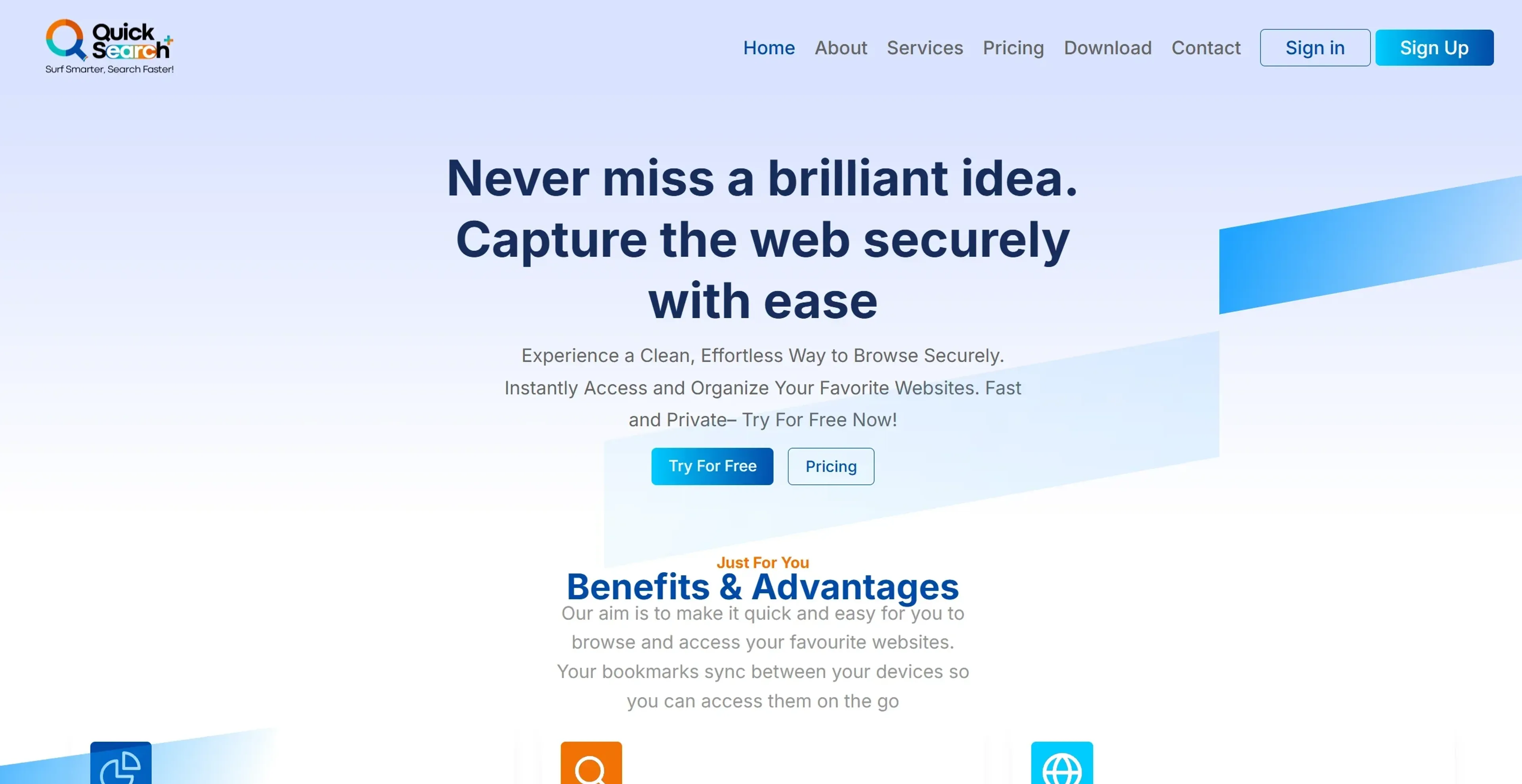
About QuickSearchPlus
QuickSearchPlus is designed to transform the way we browse and organize information online. It serves as a comprehensive solution for individuals and professionals seeking to streamline their web interactions, offering a suite of features that enhance productivity while ensuring privacy and security. With its primary function centered around efficient web browsing and bookmark management, this tool is ideal for users who want a hassle-free way to capture and organize web content across multiple devices.
Key Features
- Advanced Search Capabilities: QuickSearchPlus leverages cutting-edge technology to deliver lightning-fast search results, making it easy to locate specific bookmarks or web content within seconds.
- Intuitive Bookmark Organization: The tool offers a user-friendly interface that allows users to categorize and tag bookmarks with ease, ensuring an organized and accessible digital library.
- Multi-Device Sync: With seamless synchronization across devices, users can access their bookmarks and files wherever they are, eliminating the frustration of device-specific restrictions.
- Web Portal (Incognito): Enjoy private and secure browsing with built-in VPN protection, ensuring that your online activities remain anonymous and protected at all times.
Pros
- Time Efficiency: QuickSearchPlus significantly reduces the time spent searching and organizing bookmarks, allowing users to focus on more important tasks.
- User-Friendly Design: Its intuitive interface makes it accessible to users of all technical levels, ensuring a smooth learning curve.
- Enhanced Privacy: The built-in VPN and incognito browsing features prioritize user privacy, providing peace of mind during online activities.
- Comprehensive Functionality: Beyond bookmarking, the tool supports file uploads and downloads, making it a versatile solution for managing digital resources.
Cons
- Initial Learning Curve: While designed for ease of use, some users may require time to fully explore and utilize all advanced features.
- Limited Free Access: The free version offers limited bookmarks and folder access, which may not suffice for heavy users.
- Integration Limitations: Currently, the tool may have limited integration with certain third-party platforms, which could impact workflow for some users.
Use Cases
- Researchers and Academics: Utilizing the tool for efficient web research and bookmark management.
- Digital Marketing Professionals: Employing the tool to organize and access online resources quickly.
- Freelancers: Leveraging the tool for streamlined project management and resource collection.
- Cybersecurity Experts: Using the tool's privacy features to ensure secure browsing.
- Uncommon Use Cases: Adopted by educational institutions for teaching digital literacy; embraced by travel bloggers for organizing travel research and content.
Pricing
Free Tier: Offers up to 50 bookmarks, 5 folders, and limited web portal access. Standard Tier: Priced at $13 per month, includes unlimited bookmarks, folders, and advanced search features. Premium Tier: Available for $23 per month, provides full feature access, including unlimited web summaries and increased file upload capacity. Disclaimer: Please note that pricing information may not be up to date. For the most accurate and current pricing details, refer to the official QuickSearchPlus website.
What Makes It Unique
QuickSearchPlus stands out with its seamless integration of advanced search functionalities and intuitive design, a game-changer for anyone looking to enhance their online productivity. Its ability to provide fast, organized access to web content while ensuring user privacy sets it apart in the digital productivity landscape.
Ratings
Accuracy and Reliability: 4.7/5 Ease of Use: 4.8/5 Functionality and Features: 4.6/5 Performance and Speed: 4.5/5 Customization and Flexibility: 4.4/5 Data Privacy and Security: 4.9/5 Support and Resources: 4.3/5 Cost-Efficiency: 4.2/5 Integration Capabilities: 4.0/5 Overall Score: 4.5/5
Key Features
Pros & Cons
- Time Efficiency: QuickSearchPlus significantly reduces the time spent searching and organizing bookmarks, allowing users to focus on more important tasks.
- User-Friendly Design: Its intuitive interface makes it accessible to users of all technical levels, ensuring a smooth learning curve.
- Enhanced Privacy: The built-in VPN and incognito browsing features prioritize user privacy, providing peace of mind during online activities.
- Comprehensive Functionality: Beyond bookmarking, the tool supports file uploads and downloads, making it a versatile solution for managing digital resources.
- Initial Learning Curve: While designed for ease of use, some users may require time to fully explore and utilize all advanced features.
- Limited Free Access: The free version offers limited bookmarks and folder access, which may not suffice for heavy users.
- Integration Limitations: Currently, the tool may have limited integration with certain third-party platforms, which could impact workflow for some users.
Best For
Alternatives to QuickSearchPlus
Viinyx AI
Enhance productivity with Viinyx AI: Your browser-based AI assistant.
Presbot
Discover Presbot, the AI-powered assistant that turns ideas into full presentations in seconds. Perfect for professionals, educators, and teams.
seamless
Seamless accelerates academic research with AI-driven literature reviews and scholarship assistance, streamlining the research process for students and professionals.
Speechki
Convert text into lifelike audio using Speechki's AI voice generator. Ideal for content creators, educators, and businesses seeking realistic, multilingual voiceovers.
AiTerm
Streamline Your Terminal Experience with AiTerm
Pagewise
Empower Your Team with PageWise AI