

PDF Editor
FreemiumAI-enhanced PDF editing with comprehensive, secure online tools.
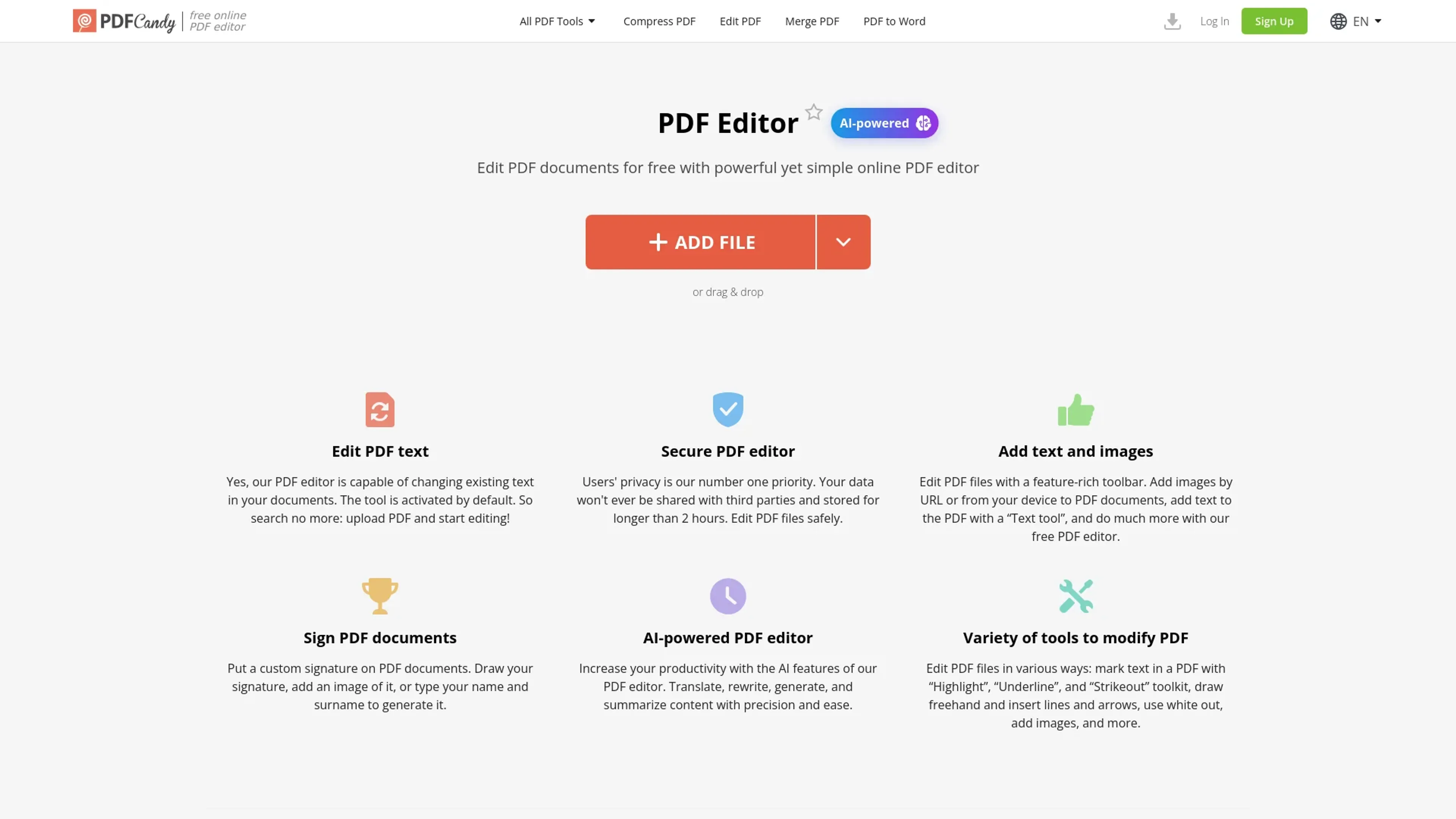
About PDF Editor
The PDF Editor revolutionizes the way we interact with PDF documents, offering a comprehensive suite of editing tools powered by artificial intelligence. Designed for both individuals and professionals, this tool simplifies the complex task of editing PDFs, making it accessible and efficient for users across various sectors. Whether you need to edit text, add images, or sign documents, this online editor provides a seamless experience with its intuitive interface and robust features.
Key Features
- AI-Powered Editing: Leverage AI technology to translate, rewrite, generate, and summarize content with precision.
- Comprehensive Editing Tools: Includes features like text editing, image insertion, highlighting, and annotation.
- Secure Processing: Ensures user privacy with data not shared with third parties and files deleted after two hours.
- User-Friendly Interface: Navigate easily with a simple and intuitive design that accommodates both novice and advanced users.
Pros
- Time Efficiency: Quickly edit and save PDFs without the need for complex software installations.
- Cost-Effective: Offers a free tier with powerful features, making it accessible for budget-conscious users.
- Cross-Platform Access: Available online, allowing access from any device with internet connectivity.
- No Watermarks: Edits are clean and professional, with no added watermarks on the final documents.
Cons
- Limited Integration: Currently, there are limited options for integrating with third-party applications.
- Processing Limits: File size for tasks is capped, which may require upgrades for larger documents.
Use Cases
- Small Business Owners: Utilizing the tool for managing and editing business documents efficiently.
- Freelancers: Employing the editor for quick and easy document modifications without additional software.
- Students and Educators: Leveraging the tool for academic purposes such as annotating and editing research papers.
- Legal Professionals: Using the editor for secure document handling and editing in legal settings.
- Uncommon Use Cases: Adopted by artists for creating digital portfolios; used by archivists for preserving and annotating digital documents.
Pricing
Web Monthly: $6 per month for access to PDF Editor with no hourly limits and increased file size per task. Desktop + Web Yearly: $4 per month (billed annually) for both desktop and web access with high-priority processing. Desktop + Web Lifetime: $99 one-time payment for lifetime access to both desktop and web services. Disclaimer: Please note that pricing information may not be up to date. For the most accurate and current pricing details, refer to the official PDF Editor website.
What Makes It Unique
The PDF Editor stands out with its AI-driven capabilities, offering users the ability to perform complex editing tasks such as content translation and summarization with ease. Its emphasis on security and privacy, combined with a user-friendly interface, makes it a preferred choice for those looking to manage PDF documents effectively.
Ratings
Accuracy and Reliability: 4.7/5 Ease of Use: 4.8/5 Functionality and Features: 4.6/5 Performance and Speed: 4.5/5 Customization and Flexibility: 4.4/5 Data Privacy and Security: 4.7/5 Support and Resources: 4.3/5 Cost-Efficiency: 4.6/5 Integration Capabilities: 4.2/5 Overall Score: 4.6/5
Key Features
Pros & Cons
- Time Efficiency: Quickly edit and save PDFs without the need for complex software installations.
- Cost-Effective: Offers a free tier with powerful features, making it accessible for budget-conscious users.
- Cross-Platform Access: Available online, allowing access from any device with internet connectivity.
- No Watermarks: Edits are clean and professional, with no added watermarks on the final documents.
- Limited Integration: Currently, there are limited options for integrating with third-party applications.
- Processing Limits: File size for tasks is capped, which may require upgrades for larger documents.
Best For
Alternatives to PDF Editor
Sumz AI
Convert long articles into succinct, clear summaries using Sumz AI.
Glasp YouTube Summarizer
Instant Summaries for YouTube Videos and Web Articles Right at Your Fingertips
Booknotes
Transform Your Reading with BooksAI's AI-Generated Book Summaries
AI Alfred
Summarize Any Content with AI Alfred in a Single Click!
ToSummary
Simple Summarization Accessible to All
Summate.it
Summate.it: Simple Summaries for Any Web Article