

Tonkean
FreemiumStreamline operations with AI-driven automation and no-code customization.
About Tonkean
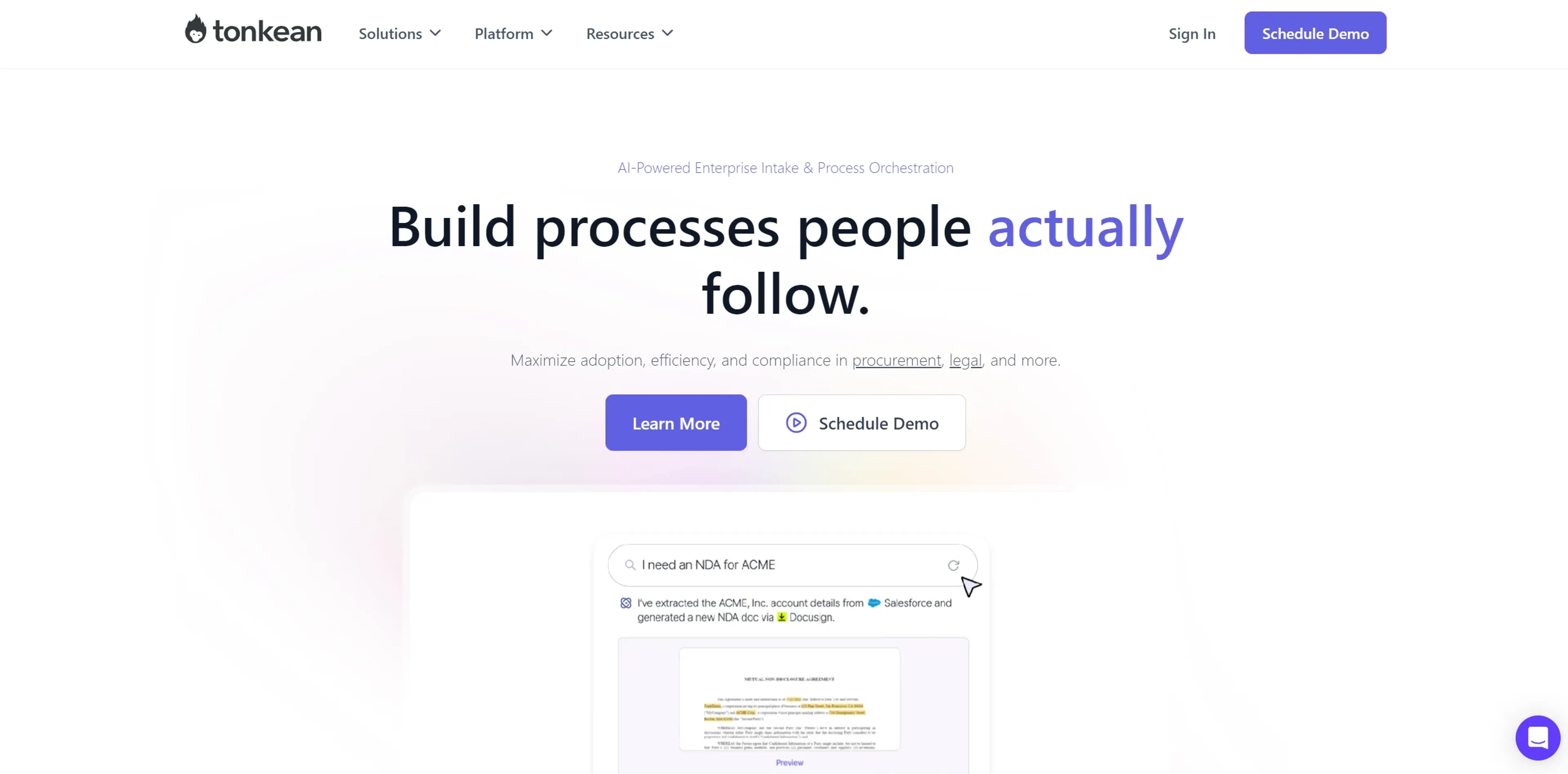
Tonkean is an innovative platform designed to streamline enterprise operations through advanced AI-driven intake orchestration. It specializes in automating end-to-end processes within procurement, legal, and other critical business functions. What sets Tonkean apart is its focus on maximizing adoption, efficiency, and compliance through tools like AI Front Door™ and Guided Intake, ensuring that processes are not only automated but also user-centric and highly adaptable to specific enterprise needs.
Key Features
- AI Front Door™: An intelligent entry point that enables requesters to make plain-language requests via platforms like Slack, Teams, and email.
- Guided Intake: Provides a personalized, step-by-step user experience, guiding requesters through streamlined, context-aware form sequences.
- No-Code Process Builder: Allows operations teams to customize processes without any coding required, using drag-and-drop tools.
- Request Status Tracker: Offers transparency by allowing employees to track the status of their requests with end-to-end visibility.
- Intelligent Orchestration: Minimizes cycle times and reduces back-and-forth communications by intelligently automating routine inquiries and coordinating complex workflows.
Pros
- Increased Efficiency: Automates routine tasks and coordinates complex workflows, reducing cycle times by up to 50%.
- Enhanced Compliance and Control: Features like enterprise governance and control ensure compliance with internal and external regulations.
- Customization and Adaptability: The no-code environment and drag-and-drop tools allow for high customization without needing technical skills.
- Scalability: Designed to handle enterprise-level complexity, making it suitable for large organizations with extensive operational needs.
Cons
- Initial Learning Curve: New users may require time to familiarize themselves with the platform’s extensive features.
- Dependency on Tech Stack Integration: Maximum efficiency is achieved only when fully integrated with the organization’s tech stack, which can be a limitation for some.
- Higher Cost for Full Features: While offering significant benefits, the full range of features might come at a premium price, making it less accessible for smaller businesses.
Use Cases
- Large Enterprises: Utilizing the platform for comprehensive process automation and efficiency.
- Procurement Departments: Employing Tonkean for end-to-end procurement lifecycle orchestration.
- Legal Departments: Leveraging the tool for matter lifecycle management and automated legal operations.
- Operations Teams: Using the tool to create custom dashboards and automate manual tasks.
- Uncommon Use Cases: Non-profits optimizing donor engagement processes; healthcare providers streamlining patient intake systems.
Pricing
Custom Pricing: Tonkean offers tailored pricing based on the specific needs and scale of the enterprise. Disclaimer: Please note that specific pricing details are best obtained directly from Tonkean’s sales team.
What Makes It Unique
Tonkean stands out with its AI Front Door™ and Guided Intake features, which are game-changers for enterprise process automation. Its ability to provide a no-code, highly customizable platform ensures that any team can adapt and optimize their operations without extensive technical skills, setting it apart in the realm of process automation solutions.
Ratings
Accuracy and Reliability: 4.8/5 Ease of Use: 4.5/5 Functionality and Features: 4.7/5 Performance and Speed: 4.6/5 Customization and Flexibility: 4.9/5 Data Privacy and Security: 4.8/5 Support and Resources: 4.5/5 Cost-Efficiency: 4.4/5 Integration Capabilities: 4.7/5 Overall Score: 4.6/5
Key Features
Pros & Cons
- Increased Efficiency: Automates routine tasks and coordinates complex workflows, reducing cycle times by up to 50%.
- Enhanced Compliance and Control: Features like enterprise governance and control ensure compliance with internal and external regulations.
- Customization and Adaptability: The no-code environment and drag-and-drop tools allow for high customization without needing technical skills.
- Scalability: Designed to handle enterprise-level complexity, making it suitable for large organizations with extensive operational needs.
- Initial Learning Curve: New users may require time to familiarize themselves with the platform’s extensive features.
- Dependency on Tech Stack Integration: Maximum efficiency is achieved only when fully integrated with the organization’s tech stack, which can be a limitation for some.
- Higher Cost for Full Features: While offering significant benefits, the full range of features might come at a premium price, making it less accessible for smaller businesses.
Best For
Alternatives to Tonkean
Imagica
Create AI Apps in Minutes Without Writing Code Using Imagica AI
Lazy
Simplify Web App Development Using Lazy AI
Blaze.tech
Blaze: A Smarter No-Code Platform
Draftbit
Easily create and customize mobile apps, including push notifications and analytics, without coding.
Magick
Unlock the Future of AI Development with Magick
Forms.app
Transform Your Form Creation Process with forms.app