

Power Query
FreemiumTransform data seamlessly with intuitive ETL capabilities.
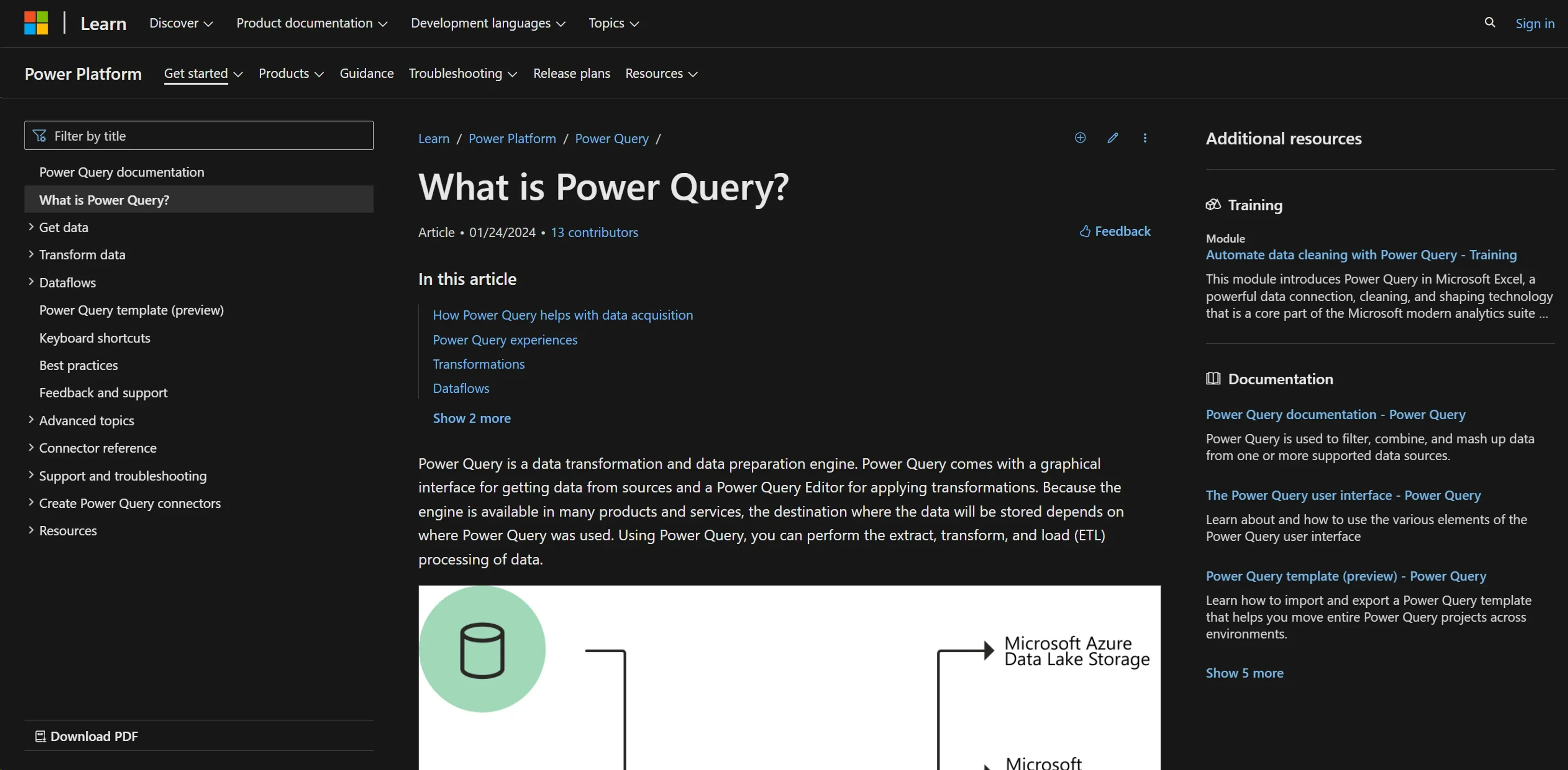
About Power Query
Power Query is a robust data transformation and preparation engine developed by Microsoft. It simplifies the process of data manipulation, making it accessible to a wide range of users from business analysts to data scientists. With its user-friendly graphical interface and powerful backend, Power Query enables efficient extract, transform, and load (ETL) operations. Whether extracting data from various sources or applying complex transformations in the Power Query Editor, this tool enhances productivity and streamlines data workflows.
Key Features
- Graphical Interface: Provides a rich graphical interface for seamless data extraction from multiple sources.
- Power Query Editor: Feature-rich editor supporting a wide array of data transformations for effective data shaping.
- Integration Capabilities: Extensively integrates with Microsoft products including Azure Data Lake, Microsoft Dataverse, Excel, and Power BI.
- M Code Automation: Generates M code for transformations, reducing manual coding and speeding up data preparation.
- Scheduled Refreshes: Supports manual and scheduled data refreshes to ensure data currency.
- Wide Data Source Connectivity: Connects to over 350 data sources, handling data of all sizes and shapes.
Pros
- Efficiency in Data Handling: Drastically reduces time spent on data preparation, allowing more focus on analysis.
- User-Friendly Experience: Simplifies complex tasks with an intuitive interface and interactive components.
- Flexible Data Integration: Seamlessly integrates with other Microsoft services, enhancing workflow continuity.
- Advanced Data Transformation: Supports operations like merge, append, group by, pivot, and unpivot without deep technical expertise.
Cons
- Learning Curve: New users may require time to fully utilize all features.
- Platform Dependency: Best suited within the Microsoft ecosystem, potentially limiting utility for users of other platforms.
- Interface Complexity: Vast options and settings can be overwhelming for less experienced users.
Use Cases
- Business Analysts: Comprehensive data analysis and reporting.
- Data Scientists: Complex data manipulation and preparation tasks.
- IT Professionals: Data flow management within business systems.
- Academic Researchers: Data gathering and transformation for research.
- Uncommon Use Cases: Non-profits for donor data management; small businesses for sales data analysis.
Pricing
Free Access: Available within supported Microsoft products like Excel and Power BI. Subscription Services: Additional capabilities and higher data capacities through Microsoft 365 subscriptions. Disclaimer: For current pricing details, refer to the official Power Query website.
What Makes It Unique
Power Query stands out for its deep integration with Microsoft products and its capability to handle diverse data sources and transformations effortlessly. Its user-centric design and powerful data shaping capabilities make it essential for anyone dealing with data.
Ratings
Accuracy and Reliability: 4.8/5 Ease of Use: 4.5/5 Functionality and Features: 4.7/5 Performance and Speed: 4.6/5 Customization and Flexibility: 4.2/5 Data Privacy and Security: 4.8/5 Support and Resources: 4.5/5 Cost-Efficiency: 4.7/5 Integration Capabilities: 4.9/5 Overall Score: 4.6/5
Key Features
Pros & Cons
- Efficiency in Data Handling: Drastically reduces time spent on data preparation, allowing more focus on analysis.
- User-Friendly Experience: Simplifies complex tasks with an intuitive interface and interactive components.
- Flexible Data Integration: Seamlessly integrates with other Microsoft services, enhancing workflow continuity.
- Advanced Data Transformation: Supports operations like merge, append, group by, pivot, and unpivot without deep technical expertise.
- Learning Curve: New users may require time to fully utilize all features.
- Platform Dependency: Best suited within the Microsoft ecosystem, potentially limiting utility for users of other platforms.
- Interface Complexity: Vast options and settings can be overwhelming for less experienced users.
Best For
Alternatives to Power Query
Imagica
Create AI Apps in Minutes Without Writing Code Using Imagica AI
Lazy
Simplify Web App Development Using Lazy AI
Blaze.tech
Blaze: A Smarter No-Code Platform
Draftbit
Easily create and customize mobile apps, including push notifications and analytics, without coding.
Magick
Unlock the Future of AI Development with Magick
Forms.app
Transform Your Form Creation Process with forms.app