

Let's Enhance
FreemiumTransform images to 4K quality, enhance, upscale, and correct with AI.
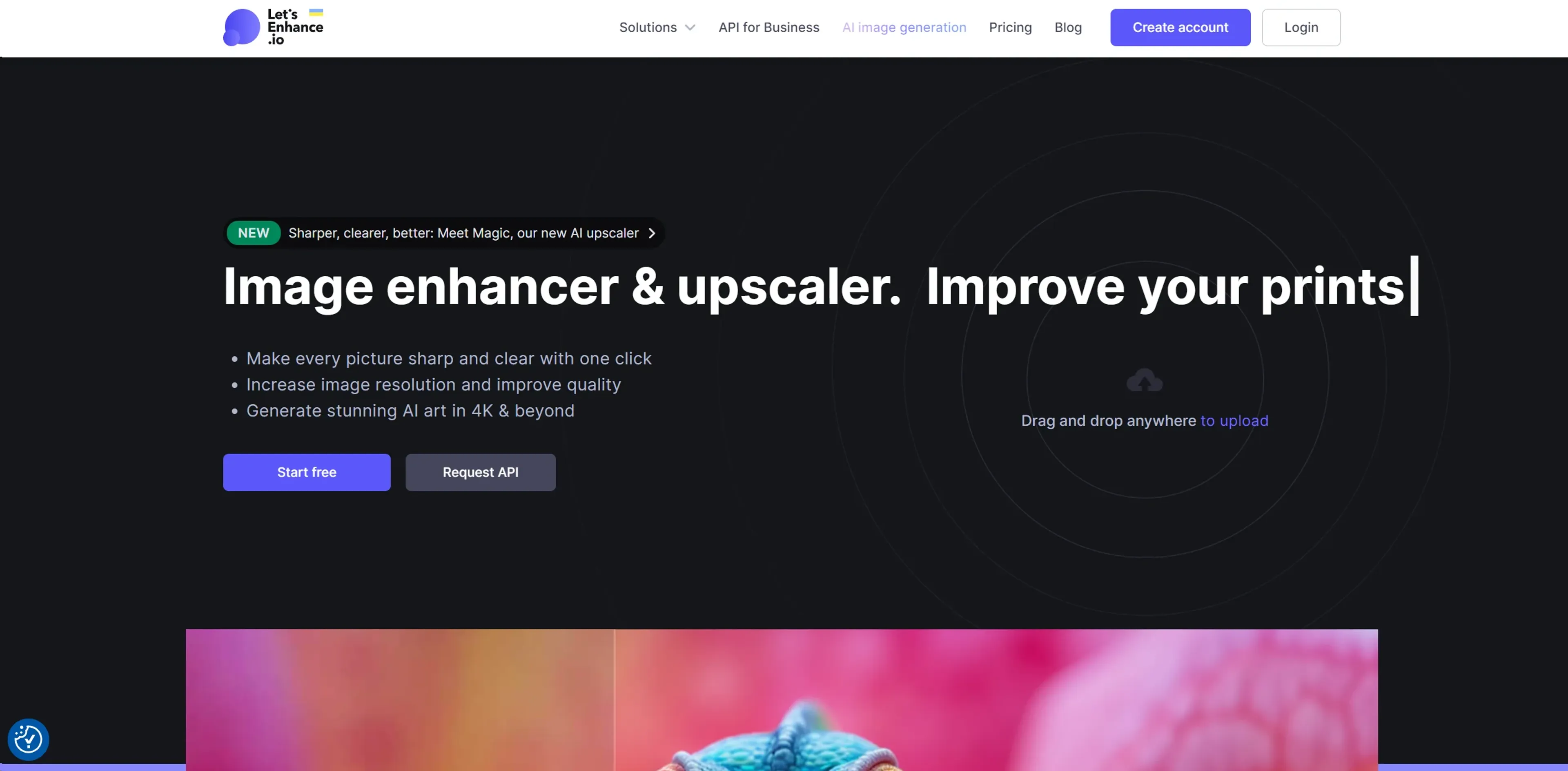
About Let's Enhance
Let's Enhance is an AI-driven platform designed to revolutionize image enhancement and upscaling, offering both individuals and professionals the ability to transform images into high-definition or 4K quality with ease. With features focused on correcting pixelation, blur, colors, and lighting, Let's Enhance simplifies the process of improving photos and generating stunning AI art. From eCommerce editing to API solutions for businesses, this tool caters to a wide range of needs, making it indispensable for creative professionals, printing industries, and anyone requiring high-resolution images.
Key Features
- AI Image Generation: Create visually captivating AI-generated art in resolutions up to 4K and beyond.
- Image Enhancer & Upscaler: Sharpen, clear, and upscale images to HD, 4K, or higher with a single click.
- Color and Lighting Correction: Automatically fix colors and lighting to breathe new life into your images.
- JPEG Artifact Removal: Clean your images from compression artifacts and JPEG noise, enhancing their quality.
Pros
- High-Quality Upscaling: Transform images without losing quality, up to 16x their original resolution.
- Batch Editing: Upload and edit multiple images simultaneously, saving valuable time.
- One-Click Presets: Easily make your eCommerce and real estate pictures look professional.
- Versatile Use Cases: Ideal for a wide range of applications, from enhancing product photos for eCommerce to generating high-resolution art.
Cons
- Learning Curve: New users might need time to familiarize themselves with all the features.
- No Native Mobile App: Currently, there's no dedicated iOS or Android app, which might limit accessibility for some users.
- Limited Free Credits: While the platform offers 10 free credits to new users, extensive use requires a subscription.
Use Cases
- Creative Professionals: Streamlining the process of resizing pictures while maintaining crispness and clarity for web and print formats.
- Printing Industries: Achieving superior resolution, colors, and clarity in prints with AI-powered upscaling.
- eCommerce Businesses: Enhancing product photos to boost conversions with stunning visuals.
- Digital Artists: Generating high-resolution AI art and upscaling digital art to desired resolutions.
- Uncommon Use Cases: Enhancing user-generated content for high-resolution print-ready content; assisting in photo exhibitions with high-quality campaign images.
Pricing
Free Tier: Each new user receives 10 free credits to test the photo enhancement software. Subscription Plans: For continued use beyond the free credits, users can purchase subscription plans or one-time bundles. Disclaimer: Pricing information may not be up to date. For the most accurate and current details, refer to the official Let's Enhance website.
What Makes It Unique
Let's Enhance stands out with its ability to upscale images without losing quality, supporting up to 16x enlargement. Its AI-driven approach surpasses traditional upscaling methods by adding extra details and pixels that significantly improve image quality. This unique selling point is especially beneficial for creative professionals and businesses looking to utilize high-quality images across various digital platforms.
Ratings
Accuracy and Reliability: 4.8/5 Ease of Use: 4.5/5 Functionality and Features: 4.7/5 Performance and Speed: 4.6/5 Customization and Flexibility: 4.3/5 Data Privacy and Security: 4.5/5 Support and Resources: 4.4/5 Cost-Efficiency: 4.6/5 Integration Capabilities: 4.2/5 Overall Score: 4.5/5
Key Features
Pros & Cons
- High-Quality Upscaling: Transform images without losing quality, up to 16x their original resolution.
- Batch Editing: Upload and edit multiple images simultaneously, saving valuable time.
- One-Click Presets: Easily make your eCommerce and real estate pictures look professional.
- Versatile Use Cases: Ideal for a wide range of applications, from enhancing product photos for eCommerce to generating high-resolution art.
- Learning Curve: New users might need time to familiarize themselves with all the features.
- No Native Mobile App: Currently, there's no dedicated iOS or Android app, which might limit accessibility for some users.
- Limited Free Credits: While the platform offers 10 free credits to new users, extensive use requires a subscription.
Best For
Alternatives to Let's Enhance
AI Shopify Product Reviews
Boost Sales Instantly With Automated Social Proof
Vector Magic
Convert JPG, PNG images to SVG, EPS, AI vectors
Plask AI
Plask.ai uses AI motion capture to animate characters from video, simplifying 3D animation workflows for creators and studios.
PlugSugar
Automate conversations, answer questions with Web Search plugin, and customize ChatGPT experience using powerful AI plugins.
Apploi
Simplify recruitment, improve job seeker visibility, and help employers find the perfect candidates efficiently and affordably.
MedARC
Monitor patient progress, streamline processes and generate insights for healthcare providers to improve patient care.