

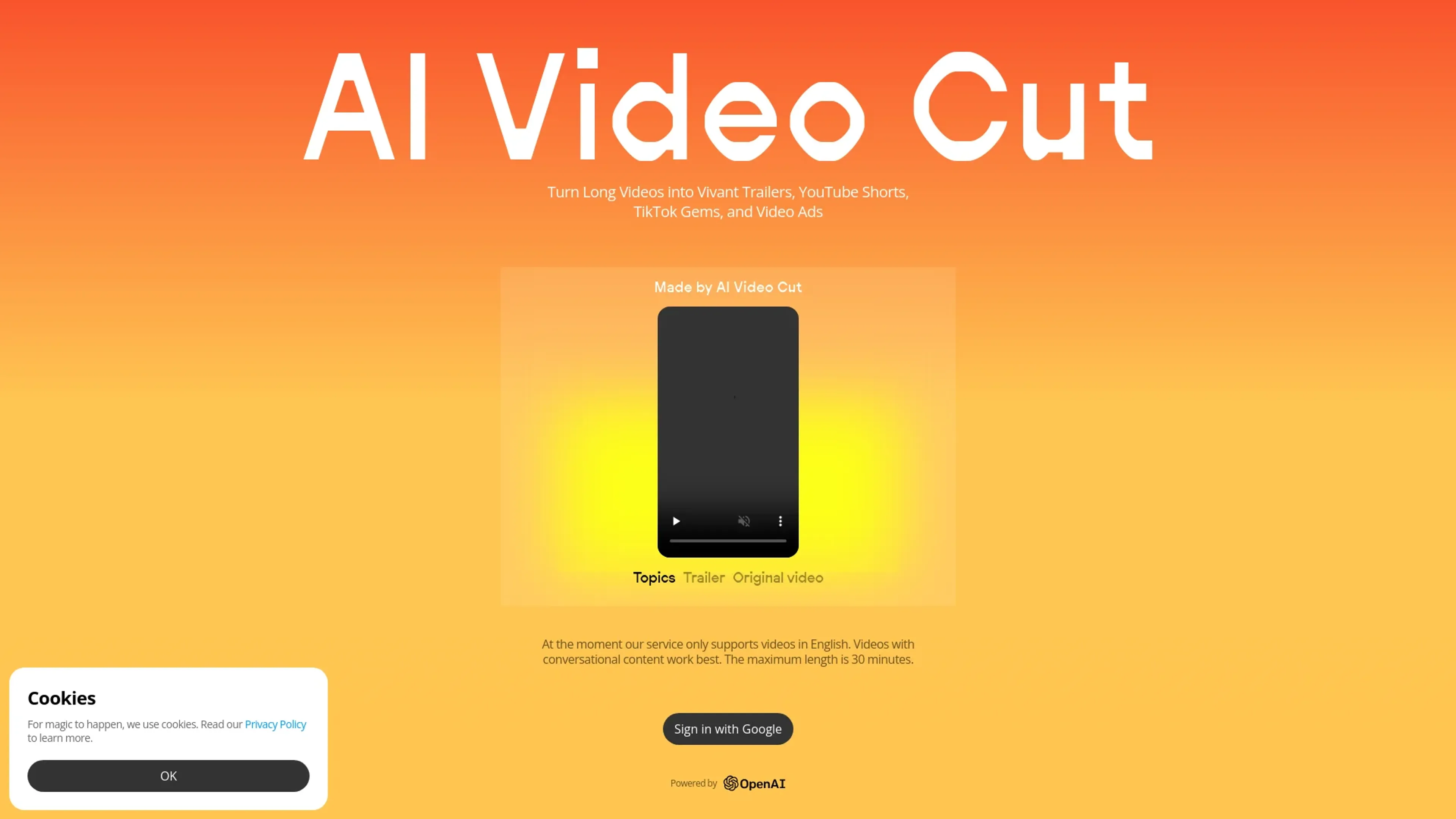
About AI Video Cut
AI Video Cut revolutionizes video content creation with AI-driven features that transform long videos into engaging trailers, YouTube Shorts, TikTok clips, and video ads. Perfect for content creators, digital marketers, social media managers, and e-commerce businesses, it simplifies the process of producing viral content with ease and precision.
Key Features
- 100% Viral Content: Create captivating trailers, topic-based clips, or ads with effective calls to action.
- Tone-of-Voice Options: Choose from various tones such as persuasive, emotional, or attention-grabbing, with customizable CTAs (coming soon).
- Flexible Length: Set content duration with options for 5, 10, or 20 phrases.
- Precision: High transcription accuracy and advanced AI prompts for top-quality video output.
- Aspect Ratios: Export content in multiple sizes, including 9:16, 4:3, or original (coming soon).
- Convenient Telegram Bot: Access video clipping through a dedicated Telegram bot (coming soon).
Pros
- Time Efficiency: Quickly convert lengthy videos into short, engaging clips.
- Cost-Effective: Free tier available for basic features.
- High Accuracy: Advanced AI ensures precise transcription and editing.
- User-Friendly: Intuitive interface with seamless Google integration.
Cons
- Language Limitation: Currently supports only English videos.
- Feature Availability: Some features, like tone-of-voice options and aspect ratios, are not yet available.
Use Cases
- Content Creators and Influencers: For platforms like YouTube, TikTok, Instagram, and Facebook.
- Digital Marketers: Optimizing video ads and content.
- Social Media Managers: Efficient content creation.
- E-commerce Businesses: Creating product videos and ads.
- Event Planners: Repurposing event recordings.
- Podcasters: Creating highlight reels or visual episode summaries.
Pricing
Free Tier: Basic features available at no cost. Disclaimer: Pricing information may not be up to date. Check the official AI Video Cut website for the most accurate details.
What Makes It Unique
AI Video Cut stands out with its ability to create 100% viral content using advanced AI, offering precision in transcription and flexible content length. Its unique features ensure high-quality, tailored outputs for various platforms and audiences.
Ratings
Accuracy and Reliability: 4.8/5 Ease of Use: 4.7/5 Functionality and Features: 4.5/5 Performance and Speed: 4.6/5 Customization and Flexibility: 4.4/5 Data Privacy and Security: 4.5/5 Support and Resources: 4.3/5 Cost-Efficiency: 4.6/5 Integration Capabilities: 4.2/5 Overall Score: 4.5/5
Key Features
Pros & Cons
- Time Efficiency: Quickly convert lengthy videos into short, engaging clips.
- Cost-Effective: Free tier available for basic features.
- High Accuracy: Advanced AI ensures precise transcription and editing.
- User-Friendly: Intuitive interface with seamless Google integration.
- Language Limitation: Currently supports only English videos.
- Feature Availability: Some features, like tone-of-voice options and aspect ratios, are not yet available.
Best For
Alternatives to AI Video Cut
ViralViews
Master AI-Powered Social Media Trends Using ViralViews
Mails.ai
Optimize Your Email Campaigns with Mails.ai
Contlo.AI
AI-Powered Digital Marketing Solutions for Small Businesses
Salesforge
Enhance Email Deliverability Using One of the World's Largest Warm-Up Networks
Ultramail
UltraMail: Effortless, Personalized Marketing Emails
TimeToTok
TimeToTok helps content creators and marketers optimize social media management with AI-powered planning, content scheduling, and performance tracking.