

CaseGuard Studio
FreemiumRedact sensitive information across all media types.
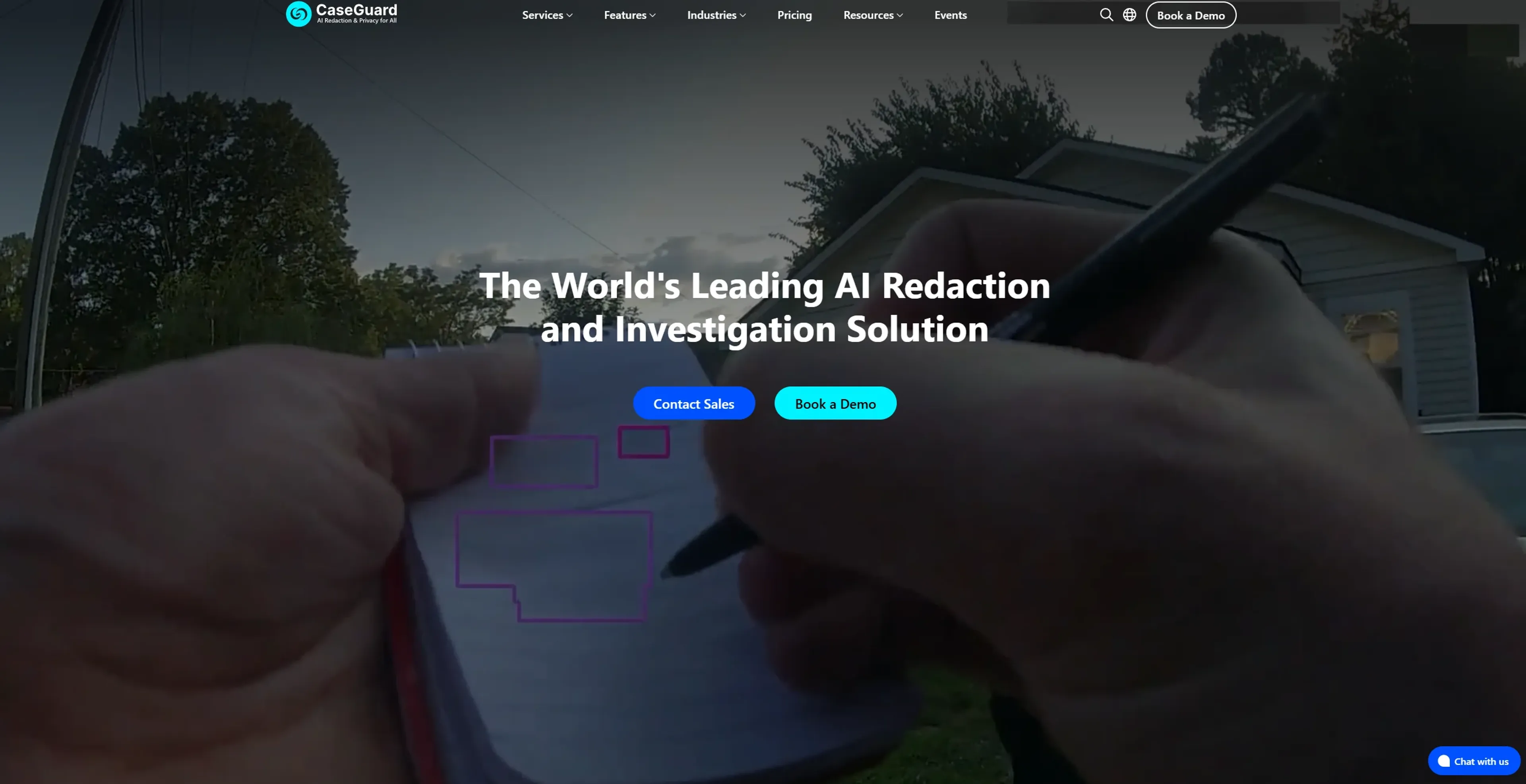
About CaseGuard Studio
CaseGuard Studio is a cutting-edge AI-powered tool designed to streamline the process of redacting sensitive information across various media types, including videos, audio files, images, and documents. This all-in-one solution is tailored for professionals and organizations that need to protect privacy and ensure compliance efficiently. CaseGuard Studio simplifies the redaction process, making it accessible and effective for users from diverse industries.
Key Features
- AI Video Redaction: Automatically detects and redacts faces, license plates, screens, and other sensitive elements in video footage with a single click.
- AI Audio Redaction: Offers tools to mute, bleep, and resample audio, ensuring sensitive information is concealed.
- AI Document Redaction: Quickly identifies and removes personally identifiable information (PII) from documents, including PDFs, Excel, and Word files.
- AI Image Redaction: Redacts sensitive elements in images, like faces and license plates, using advanced automatic detection features.
Pros
- Efficiency: Significantly reduces the time required for redaction tasks, allowing users to focus on more critical activities.
- User-Friendly: Intuitive interface makes it easy for users, even those with minimal technical expertise, to navigate and utilize the tool.
- Comprehensive Coverage: Supports redaction across multiple media types, from videos and audio to documents and images.
- Automation: Bulk redaction capabilities enable users to process large volumes of files with minimal effort.
Cons
- Initial Setup: Users may encounter a learning curve when setting up the software for the first time.
- Integration Limitations: Limited integration with some existing third-party platforms.
Use Cases
- Law Enforcement Agencies: Utilizing the tool for efficiently redacting sensitive information from body camera footage and other video evidence.
- Healthcare Providers: Employing the tool to protect patient privacy by redacting personal information from medical records.
- Legal Professionals: Using it to ensure confidentiality and compliance in legal documents and evidence.
- Government Agencies: Leveraging the tool for data protection in public records and communications.
- Educational Institutions: Protecting student privacy in digital records.
- Crisis Centers: To redact sensitive information from hotline calls.
Pricing
Doc: $99 per month (or $149 month-to-month). Designed for redacting PDFs and images. Includes image enhancement, pattern redaction, and PDF tools. Lite: $199 per month (or $249 month-to-month). Ideal for basic video and audio redaction. Adds video editing, enhancement tools, and manual audio redaction to Doc features. Standard: $249 per month (or $299 month-to-month). For full-scale redaction needs across video, audio, PDFs, and images. Adds bulk redaction, team collaboration, and AI-based automation. Premium: $329 per month (or $399 month-to-month). All-in-one solution with transcription, speaker and pattern detection, 240 hours/year of transcription or 48,000 pages/year of AI document analysis, and premium support. Disclaimer: Please note that pricing information may not be up to date. For the most accurate and current pricing details, refer to the official CaseGuard Studio website.
What Makes It Unique
CaseGuard Studio stands out with its comprehensive AI-driven redaction capabilities that cover videos, audio, documents, and images. Its ability to automatically identify and redact sensitive information with precision makes it a leader in the redaction software market. This tool’s unique combination of ease of use, automation, and versatility sets it apart.
Ratings
Accuracy and Reliability: 4.8/5 Ease of Use: 4.6/5 Functionality and Features: 4.9/5 Performance and Speed: 4.7/5 Customization and Flexibility: 4.5/5 Data Privacy and Security: 4.9/5 Support and Resources: 4.7/5 Cost-Efficiency: 4.6/5 Integration Capabilities: 4.3/5 Overall Score: 4.7/5
Key Features
Pros & Cons
- Efficiency: Significantly reduces the time required for redaction tasks, allowing users to focus on more critical activities.
- User-Friendly: Intuitive interface makes it easy for users, even those with minimal technical expertise, to navigate and utilize the tool.
- Comprehensive Coverage: Supports redaction across multiple media types, from videos and audio to documents and images.
- Automation: Bulk redaction capabilities enable users to process large volumes of files with minimal effort.
- Initial Setup: Users may encounter a learning curve when setting up the software for the first time.
- Integration Limitations: Limited integration with some existing third-party platforms.
Best For
Alternatives to CaseGuard Studio

DoNotPay
The World's First Robot Lawyer. The DoNotPay app is the home of the world's first robot lawyer. Fight corporations, beat bureaucracy and sue anyone at the press of a button.
AppTek
Navigating Apptek's Cookie Policy: A User-Friendly Guide
Ask AI Lawyer
Instant Legal Information from Ask AI Lawyer!
Cyberriskai
Advanced AI-driven Cyber Risk Management
Lyro
Detailed Cookie Data on Tidio's Lyro Page
DevPromptAi
Comprehensive Event Planning Agreement