

FLUX.1
FreemiumAI-driven tool for exceptional, high-quality image generation.
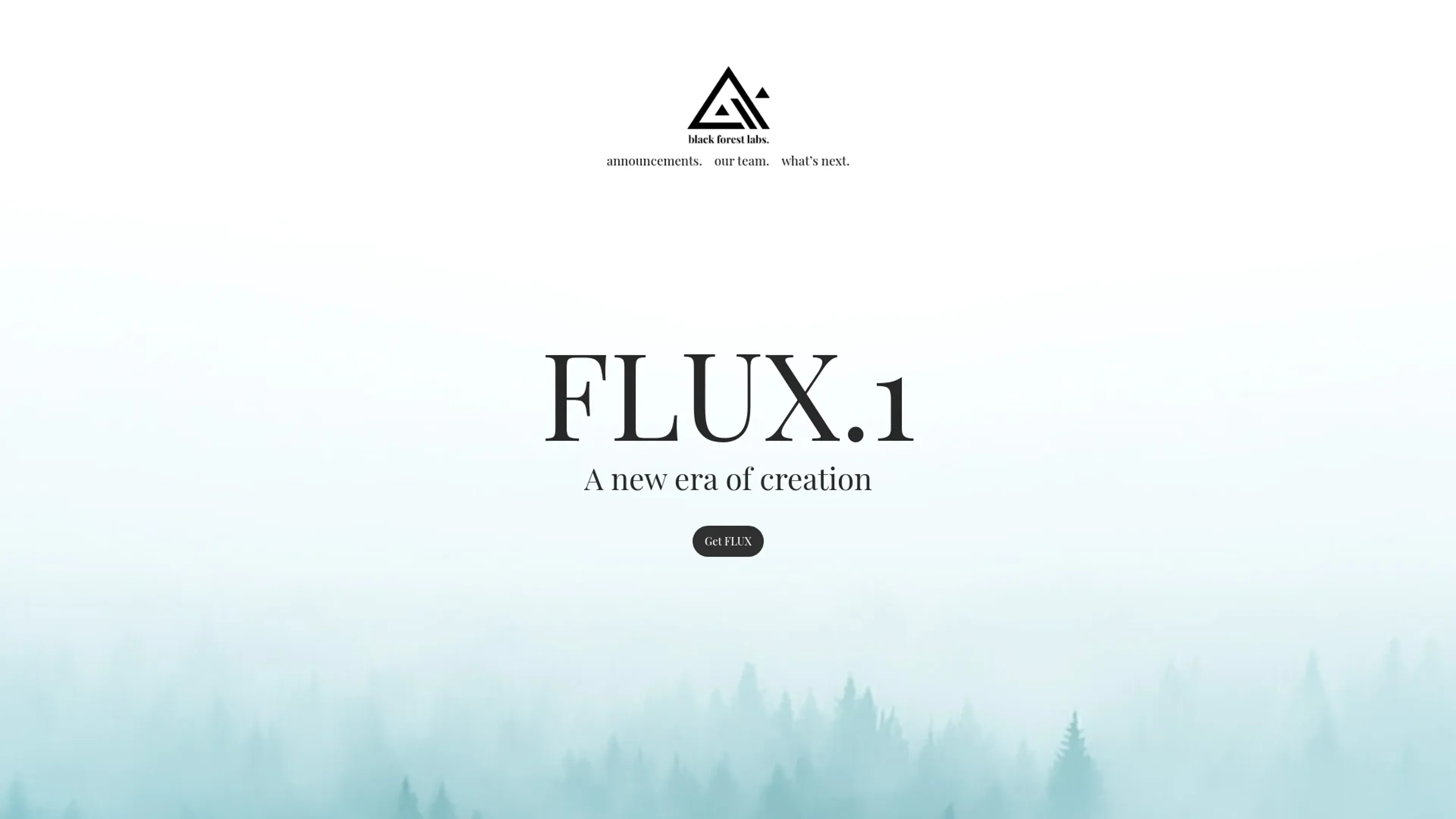
About FLUX.1
FLUX.1 revolutionizes the world of AI-driven image generation, offering unparalleled visual quality and prompt adherence. Designed for both creative professionals and AI enthusiasts, it simplifies the process of producing high-quality, detailed images through advanced AI algorithms. Whether you are an artist, designer, or developer, FLUX.1 provides a robust platform for bringing your creative visions to life with remarkable precision and diversity.
Key Features
- State-of-the-Art Performance: FLUX.1 [pro] delivers top-of-the-line image generation with exceptional prompt following, visual quality, and output diversity.
- Open-Weight Model: FLUX.1 [dev] offers similar quality and prompt adherence capabilities as the pro version but is more efficient and available for non-commercial use.
- High-Speed Processing: FLUX.1 [schnell] is optimized for local development and personal use, providing fast and efficient image generation.
- API Access: Seamlessly integrate FLUX.1 into your applications via an API, available through partners like Replicate and fal.ai.
Pros
- Exceptional Visual Quality: Produces highly detailed and visually appealing images.
- Versatile Usage: Suitable for a wide range of applications, from professional design to personal projects.
- Scalable Solutions: Offers dedicated and customized enterprise solutions for larger-scale needs.
- Community and Support: Access to a growing community and comprehensive support through GitHub and other platforms.
Cons
- Initial Learning Curve: Requires some time to get familiar with the advanced features and settings.
- Commercial Use Restrictions: FLUX.1 [dev] is limited to non-commercial applications, necessitating a transition to [pro] for commercial purposes.
Use Cases
- Graphic Designers: Utilizing FLUX.1 for efficient design workflows and high-quality image generation.
- Digital Artists: Leveraging the tool to create detailed and visually stunning artwork.
- Game Developers: Employing FLUX.1 for creating intricate game assets and environments.
- Marketing Professionals: Using the tool to enhance visual content for campaigns and promotions.
- Uncommon Use Cases: Adopted by educational institutions for teaching AI-driven design courses; utilized by hobbyists for personal creative projects.
Pricing
All of FLUX.1's models are run off of their API, so the cost varies depending on the specific model being used. Disclaimer: Please note that pricing information may not be up to date. For the most accurate and current pricing details, refer to the official FLUX.1 website.
What Makes It Unique
FLUX.1 stands out with its state-of-the-art image generation capabilities, offering unparalleled visual quality and prompt adherence. Its ability to cater to both non-commercial and commercial applications through different variants sets it apart, providing flexibility and scalability for various user needs.
Ratings
Accuracy and Reliability: 4.8/5 Ease of Use: 4.2/5 Functionality and Features: 4.7/5 Performance and Speed: 4.5/5 Customization and Flexibility: 4.4/5 Data Privacy and Security: 4.6/5 Support and Resources: 4.3/5 Cost-Efficiency: 4.1/5 Integration Capabilities: 4.5/5 Overall Score: 4.5/5
Key Features
Pros & Cons
- Exceptional Visual Quality: Produces highly detailed and visually appealing images.
- Versatile Usage: Suitable for a wide range of applications, from professional design to personal projects.
- Scalable Solutions: Offers dedicated and customized enterprise solutions for larger-scale needs.
- Community and Support: Access to a growing community and comprehensive support through GitHub and other platforms.
- Initial Learning Curve: Requires some time to get familiar with the advanced features and settings.
- Commercial Use Restrictions: FLUX.1 [dev] is limited to non-commercial applications, necessitating a transition to [pro] for commercial purposes.
Best For
Alternatives to FLUX.1
Lexica
Lexica.art - Transforming Digital Art Generation Using AI
Midjourney
AI image generation via Discord
Dewatermark.AI
Remove watermarks from images instantly with DeWatermark AI. Experience seamless, high-quality editing across all devices—no design skills needed.
Caspa AI
Create Professional Product Photos Effortlessly with Caspa AI
HitPaw Photo AI
Elevate Your Images with HitPaw Photo AI
OpenArt Photo Booth
Seamlessly Generate and Handle AI-Produced Images Using OpenArt Photo Booth