

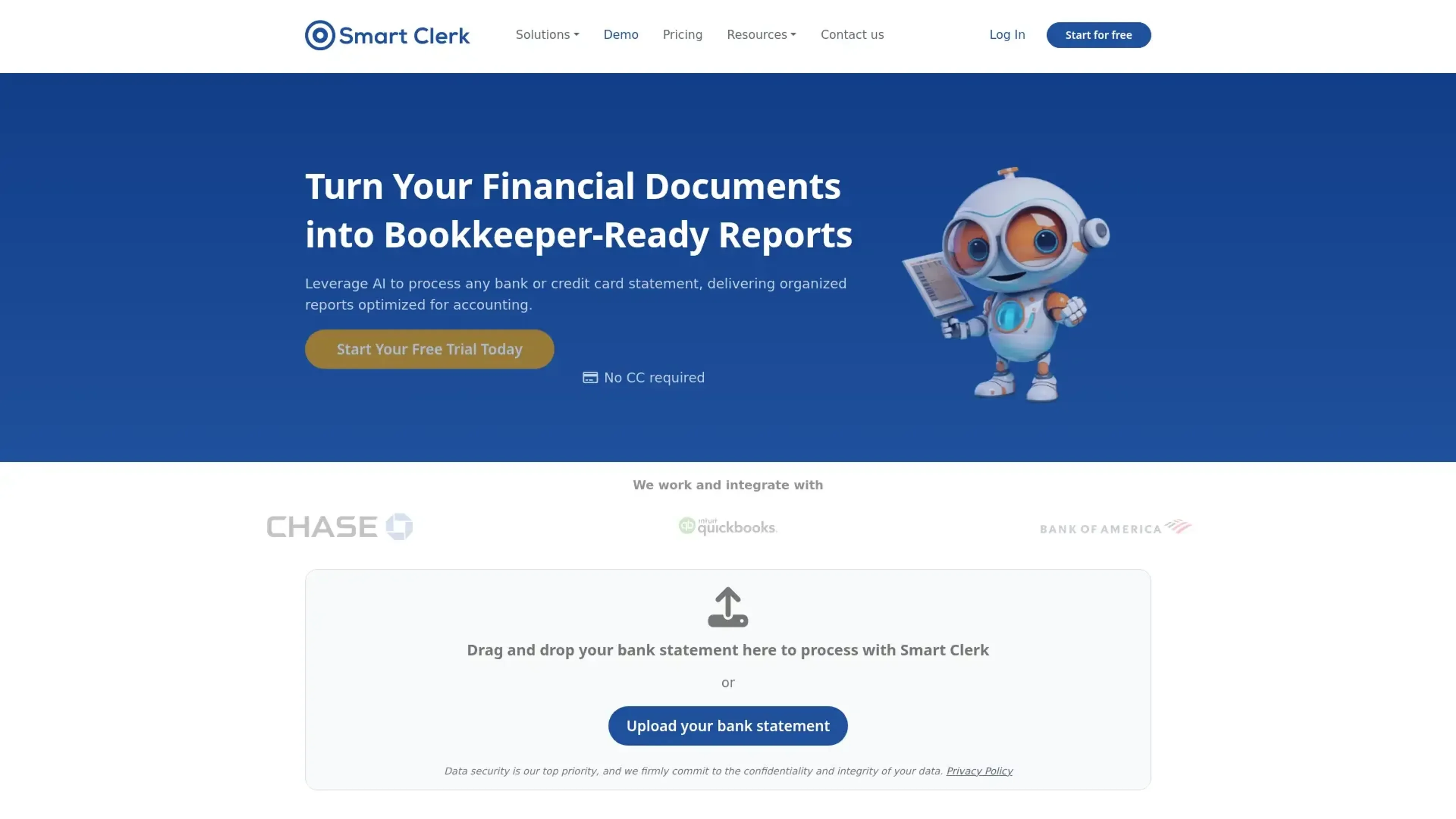
About Smart Clerk
Smart Clerk is a cutting-edge AI tool designed to transform financial data into actionable insights, revolutionizing the way businesses handle accounting and bookkeeping. With its primary focus on automating the processing of financial documents such as bank statements and invoices, Smart Clerk offers features that simplify the accounting workflow for professionals and small business owners alike. By leveraging AI, it streamlines the entire process, from data entry to report generation, ensuring accuracy and efficiency.
Key Features
- AI-Generated Financial Reports: Automatically creates comprehensive, bookkeeper-ready financial reports from uploaded documents, eliminating the need for manual data entry.
- Tailored Transaction Categorization: Customizes transaction categories based on business needs, ensuring accurate and relevant financial tracking.
- Streamlined Vendor Management: Matches vendors automatically, providing a clear view of balances and transactions without manual updates.
- No-Code Integrations: Offers seamless integrations with partner platforms, allowing users to start processing financial data immediately without the need for setup or customization.
Pros
- Time Efficiency: Dramatically reduces the time spent preparing financial documents, making it ideal for small businesses.
- User-Friendly Design: Intuitive drag-and-drop interface requires no training, facilitating quick adoption and use.
- High Accuracy: Consistently delivers precise data extraction, minimizing the need for manual corrections.
- Secure Data Handling: Employs advanced encryption protocols to protect user data, ensuring compliance with global security standards.
Cons
- Initial Learning Curve: Users may need time to fully explore and utilize all advanced features.
- Limited Free Plan: The free tier is restricted in terms of volume, which might not be sufficient for larger businesses.
- Integration Limitations: Currently offers limited direct integrations with third-party accounting software.
Use Cases
- Accounting Firms: Utilizing Smart Clerk for efficient management of client financial documents.
- Small Business Owners: Benefiting from simplified bookkeeping and financial reporting processes.
- Freelancers: Streamlining invoice and expense tracking for personal business management.
- Financial Advisors: Leveraging the tool to provide accurate financial insights to clients.
- Uncommon Use Cases: Employed by educational institutions for teaching accounting practices; used by non-profit organizations for donor fund tracking.
Pricing
Free Tier: Offers a basic plan with 1 bank account and up to 20 invoices per month. Growth Plan: Available at $29 per month, supporting 2 bank accounts and 100 invoices monthly. Professional Plan: Priced at $49 per month, includes 4 bank accounts, 250 invoices, and additional features like API access and priority support. Disclaimer: Please note that pricing information may not be up to date. For the most accurate and current pricing details, refer to the official Smart Clerk website.
What Makes It Unique
Smart Clerk stands out with its focus on financial document processing, offering unparalleled accuracy and ease of use. Its ability to automatically categorize transactions and generate detailed financial reports with minimal input sets it apart, making it a game-changer for businesses looking to streamline their accounting processes.
Ratings
Accuracy and Reliability: 4.8/5 Ease of Use: 4.7/5 Functionality and Features: 4.6/5 Performance and Speed: 4.5/5 Customization and Flexibility: 4.4/5 Data Privacy and Security: 4.9/5 Support and Resources: 4.3/5 Cost-Efficiency: 4.2/5 Integration Capabilities: 4.1/5 Overall Score: 4.5/5
Key Features
Pros & Cons
- Time Efficiency: Dramatically reduces the time spent preparing financial documents, making it ideal for small businesses.
- User-Friendly Design: Intuitive drag-and-drop interface requires no training, facilitating quick adoption and use.
- High Accuracy: Consistently delivers precise data extraction, minimizing the need for manual corrections.
- Secure Data Handling: Employs advanced encryption protocols to protect user data, ensuring compliance with global security standards.
- Initial Learning Curve: Users may need time to fully explore and utilize all advanced features.
- Limited Free Plan: The free tier is restricted in terms of volume, which might not be sufficient for larger businesses.
- Integration Limitations: Currently offers limited direct integrations with third-party accounting software.
Best For
Alternatives to Smart Clerk
Fina Money
The modular finance tracker that lets you build insightful reports—just like playing with Legos.
Nume
The AI CFO for Startups
cc:Monet
Transform your bookkeeping with AI and unlock unmatched efficiency!
Pluto
Personal Investment AI and Real-Time Data Analysis with Pluto
Telescope
Empower Investment Discovery with Ripple by Telescope
QuickBooks
Generate tax reports, automate invoicing, monitor financial performance with a powerful mobile app.