

Qodo
FreemiumAutomates code reviews, test generation, and quality assurance.
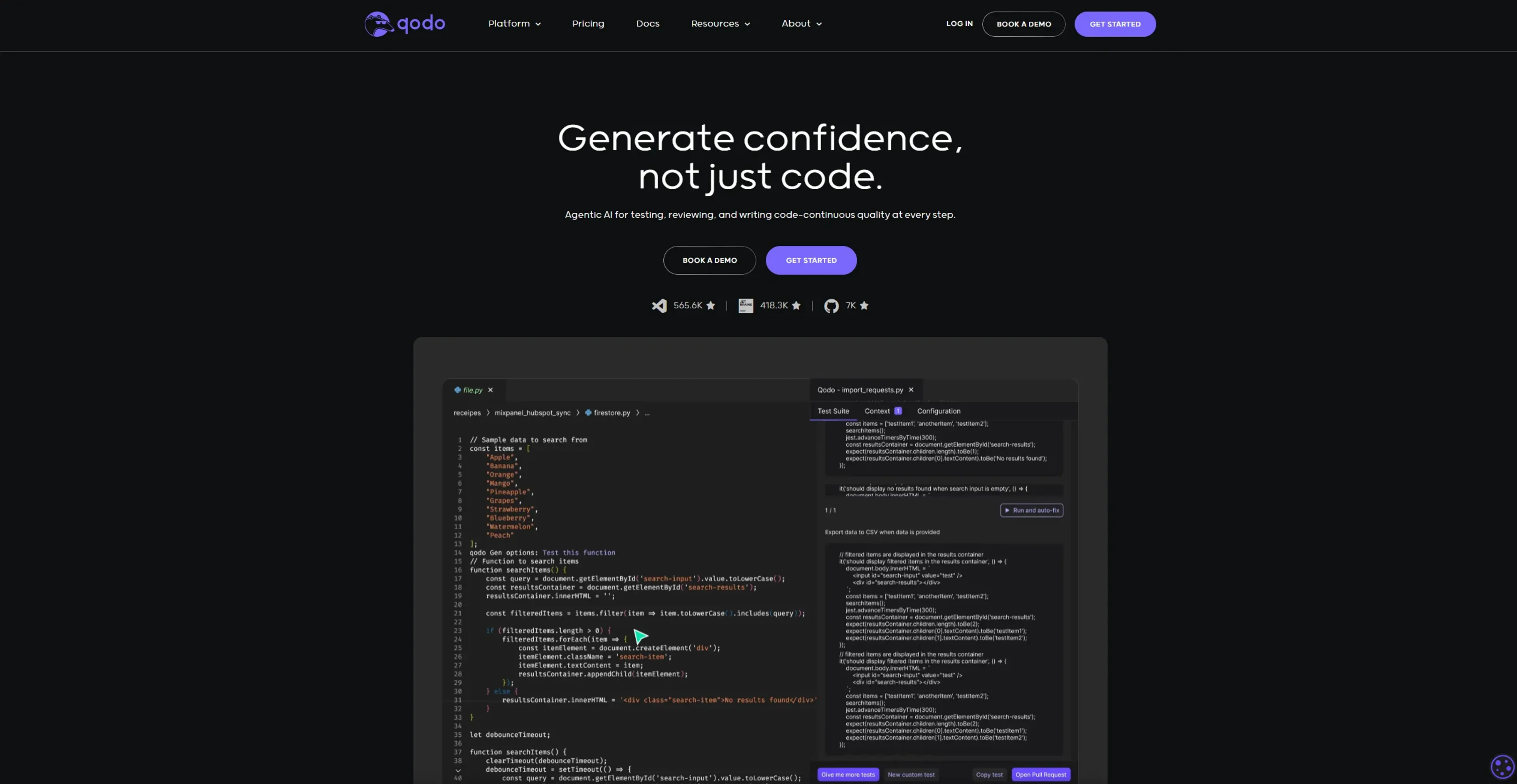
About Qodo
Qodo, formerly known as Codium, is a quality-first AI coding platform designed to revolutionize the way developers write, test, and review code. As a robust AI-driven tool, it offers a suite of functionalities including automated code reviews, contextual suggestions, and comprehensive test generation. Targeting developers, Qodo simplifies the code development process by ensuring high standards of code quality and integrity throughout the development pipeline. Whether you're looking to boost efficiency, uncover bugs, or streamline code reviews, Qodo provides a seamless solution.
Key Features
- Qodo Gen: IDE Plugin: This feature allows for the generation of quality code and meaningful tests directly within your preferred Integrated Development Environment (IDE), enhancing the development experience.
- Qodo Merge: Git Agent: Facilitates smoother pull requests by generating thorough descriptions and providing reviewers with a comprehensive walkthrough to quickly identify potential issues.
- Qodo Cover: CLI Agent: Offers automated testing solutions that improve code coverage by generating tests aligned with organizational best practices.
- Agentic AI for Continuous Quality: Ensures code integrity by leveraging generative AI solutions across the development pipeline, promoting continuous quality and reliability.
Pros
- Time Efficiency: Qodo significantly reduces development time, allowing developers to focus on more creative and critical tasks.
- Comprehensive Test Generation: Automatically generates detailed tests that cover a wide range of scenarios, enhancing code reliability.
- Cross-Language Support: Supports virtually all programming languages, making it a versatile choice for diverse development needs.
- Free for Individual Developers: Offers a free plan with extensive functionalities, making it accessible to solo developers and small teams.
Cons
- Initial Learning Curve: Users might need some time to familiarize themselves with the advanced features and integrations.
- Enterprise Features: Some advanced features are limited to enterprise plans, which might not be feasible for smaller teams or individual developers.
Use Cases
- Software Development Teams: Utilizing Qodo for automated testing and code review to maintain high-quality codebases.
- Freelance Developers: Leveraging the tool for efficient code generation and testing to enhance productivity.
- Tech Startups: Employing Qodo to streamline development processes and accelerate product delivery.
- Educational Institutions: Adopting Qodo for teaching coding best practices and automated testing in programming courses.
- Uncommon Use Cases: Used by research institutions for coding algorithm testing; Employed by cybersecurity firms for vulnerability assessments in code.
Pricing
Developer Tier: Free for individual users, offering repository context chat, multiple model options, code review, test generation, documentation, coding best practices, and community support. Teams Tier: $19 per user/month, including all Developer features plus bug detection, PR automation, repo best practices learning, enhanced privacy, and standard support. Enterprise Tier: Custom pricing with all Teams features, plus enterprise tools, multi-repo awareness, self-hosting, SSO, and priority support. Disclaimer: Please note that pricing information may not be up to date. For the most accurate and current pricing details, refer to the official Qodo website.
What Makes It Unique
Qodo stands out with its focus on code integrity, offering a unique blend of automated testing and code generation that not only enhances productivity but also ensures robust software development. Its ability to generate meaningful tests and uncover subtle bugs sets it apart as a game-changer in the coding landscape.
Ratings
Accuracy and Reliability: 4.5/5 Ease of Use: 4.0/5 Functionality and Features: 4.7/5 Performance and Speed: 4.6/5 Customization and Flexibility: 4.3/5 Data Privacy and Security: 4.8/5 Support and Resources: 4.4/5 Cost-Efficiency: 4.2/5 Integration Capabilities: 4.5/5 Overall Score: 4.5/5
Key Features
Pros & Cons
- Time Efficiency: Qodo significantly reduces development time, allowing developers to focus on more creative and critical tasks.
- Comprehensive Test Generation: Automatically generates detailed tests that cover a wide range of scenarios, enhancing code reliability.
- Cross-Language Support: Supports virtually all programming languages, making it a versatile choice for diverse development needs.
- Free for Individual Developers: Offers a free plan with extensive functionalities, making it accessible to solo developers and small teams.
- Initial Learning Curve: Users might need some time to familiarize themselves with the advanced features and integrations.
- Enterprise Features: Some advanced features are limited to enterprise plans, which might not be feasible for smaller teams or individual developers.
Best For
Alternatives to Qodo
to teach
Transform Your Classroom Using AI-Powered Teaching Resources
PrepSup
Transform Your Learning Journey with PrepSup's AI Tutor
LingQ
Create personalized language lessons, engage with interactive activities, and monitor proficiency with quizzes.
Teach-O-Matic
Generate Tailored AI-Produced How-To Videos Using Teach-O-Matic
Learn Prompting
Unlock the power of AI with Learn Prompting. Learn how to create effective prompts to enhance your AI usage, improve outputs, and solve complex problems.
Reach Best
AI for researching and applying to Universities. Tens of thousands of students use Reach Best to check if a University is a good f