

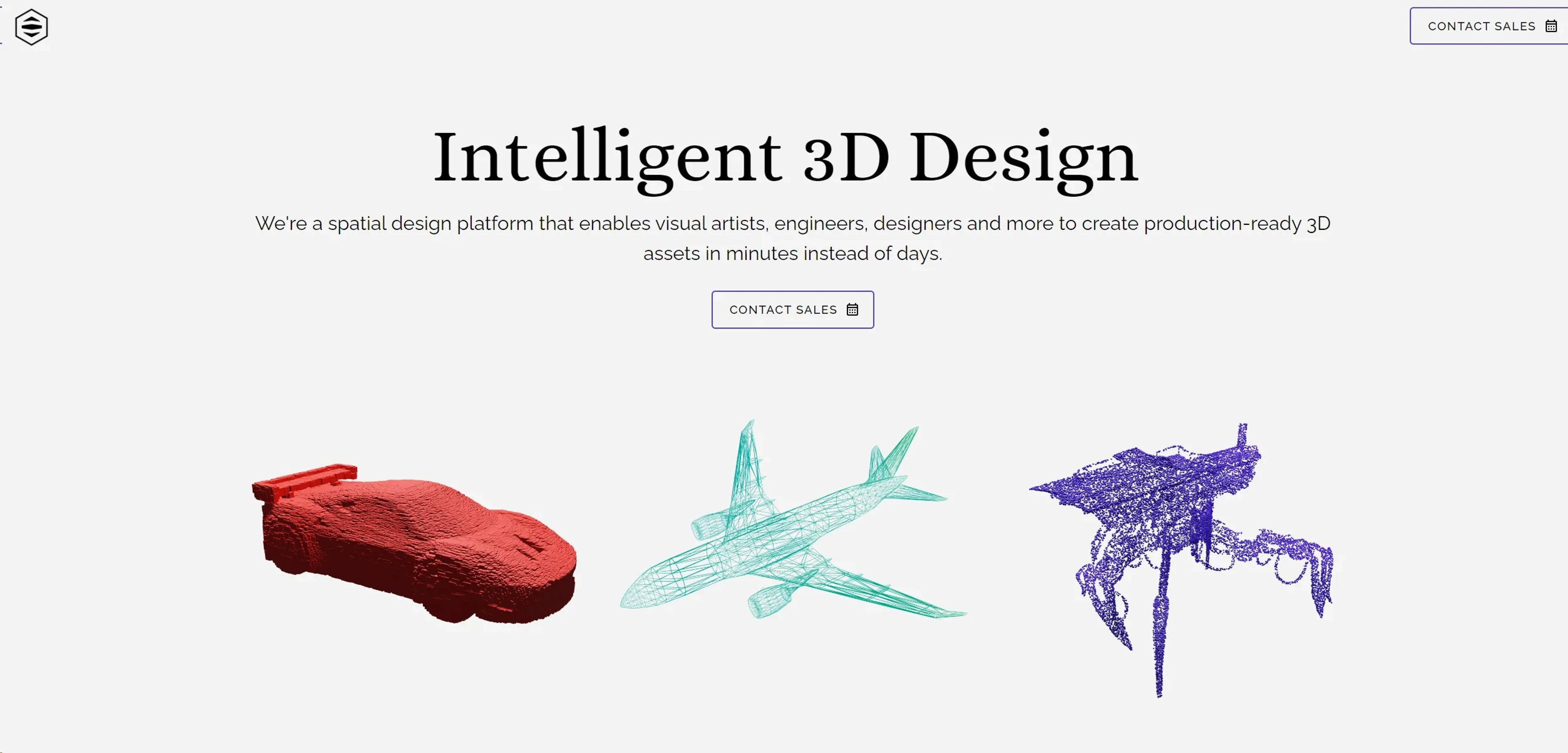
About Polyhive
Polyhive is a groundbreaking AI tool designed specifically for the 3D professional community. At its core, Polyhive leverages generative AI technologies to revolutionize the way 3D content is created, modified, and enhanced. Aimed at architects, game developers, CGI artists, and other professionals in the 3D space, Polyhive streamlines complex processes, making 3D modeling more intuitive, efficient, and accessible.
Key Features
- Generative AI Modeling: Polyhive employs advanced AI algorithms to assist in the creation and refinement of 3D models, reducing the time and effort required for intricate designs.
- Intuitive User Interface: Designed with the user in mind, Polyhive offers an intuitive interface that simplifies navigation and accelerates the design process.
- Real-time Rendering: Experience real-time rendering capabilities that provide immediate feedback on design adjustments, facilitating a more dynamic creative process.
- Collaborative Tools: Polyhive includes features that support collaboration among team members, enabling a seamless integration of feedback and ideas into projects.
Pros
- Increased Productivity: Significantly reduces the time needed to create complex 3D models.
- Enhanced Creativity: AI-driven suggestions offer new possibilities in design, pushing the boundaries of creativity.
- Ease of Use: Its user-friendly interface makes advanced 3D modeling accessible to professionals of varying skill levels.
- Cost-Effective: By streamlining the design process, Polyhive helps reduce operational costs associated with 3D modeling projects.
Cons
- Learning Curve: Despite its intuitive design, new users may need time to fully leverage all of Polyhive's features.
- Hardware Requirements: High-quality rendering and AI functionalities may demand powerful hardware.
- Limited Offline Functionality: Some features may rely heavily on online connectivity for optimal performance.
Use Cases
- Polyhive has quickly become a go-to tool for a wide range of 3D professionals, including:
- Architects: Using the tool to bring architectural visions to life with precise and innovative designs.
- Game Developers: Employing Polyhive to create detailed game environments and characters more efficiently.
- CGI Artists: Leveraging the tool to produce stunning visual effects and animations with a higher level of detail.
- Product Designers: Utilizing Polyhive to envision and iterate on product designs in a 3D space.
- Uncommon Use Cases: Academic institutions incorporate Polyhive into their curriculum for teaching advanced design concepts; Virtual reality developers use it to craft immersive environments.
Pricing
Free Tier: Polyhive offers a basic package free of charge, ideal for individuals exploring its capabilities. Professional Tier: For more advanced features and capabilities, Polyhive provides a Professional tier, pricing details available upon request. Disclaimer: Please note that pricing information may not be up to date. For the most accurate and current pricing details, refer to the official Polyhive website.
What Makes It Unique
Polyhive stands out in the crowded field of 3D design tools with its cutting-edge generative AI technology. This not only accelerates the design process but also opens new avenues for creativity and innovation. Its emphasis on real-time collaboration and feedback integration sets it apart, making it a valuable tool for teams spread across different locations.
Ratings
Accuracy and Reliability: 4.5/5 Ease of Use: 4.2/5 Functionality and Features: 4.8/5 Performance and Speed: 4.7/5 Customization and Flexibility: 4.3/5 Data Privacy and Security: 4.6/5 Support and Resources: 4.5/5 Cost-Efficiency: 4.4/5 Integration Capabilities: 4.2/5 Overall Score: 4.5/5
Summary
Revolutionize 3D modeling with AI, intuitive design, and real-time collaboration. AI Categories: 3D, design generators, education
Key Features
Pros & Cons
- Increased Productivity: Significantly reduces the time needed to create complex 3D models.
- Enhanced Creativity: AI-driven suggestions offer new possibilities in design, pushing the boundaries of creativity.
- Ease of Use: Its user-friendly interface makes advanced 3D modeling accessible to professionals of varying skill levels.
- Cost-Effective: By streamlining the design process, Polyhive helps reduce operational costs associated with 3D modeling projects.
- Learning Curve: Despite its intuitive design, new users may need time to fully leverage all of Polyhive's features.
- Hardware Requirements: High-quality rendering and AI functionalities may demand powerful hardware.
- Limited Offline Functionality: Some features may rely heavily on online connectivity for optimal performance.
Best For
Alternatives to Polyhive
to teach
Transform Your Classroom Using AI-Powered Teaching Resources
PrepSup
Transform Your Learning Journey with PrepSup's AI Tutor
LingQ
Create personalized language lessons, engage with interactive activities, and monitor proficiency with quizzes.
Teach-O-Matic
Generate Tailored AI-Produced How-To Videos Using Teach-O-Matic
Learn Prompting
Unlock the power of AI with Learn Prompting. Learn how to create effective prompts to enhance your AI usage, improve outputs, and solve complex problems.
Reach Best
AI for researching and applying to Universities. Tens of thousands of students use Reach Best to check if a University is a good f