

Kissflow Digital Workplace
FreemiumStreamline workflows and app development with AI-driven tools.
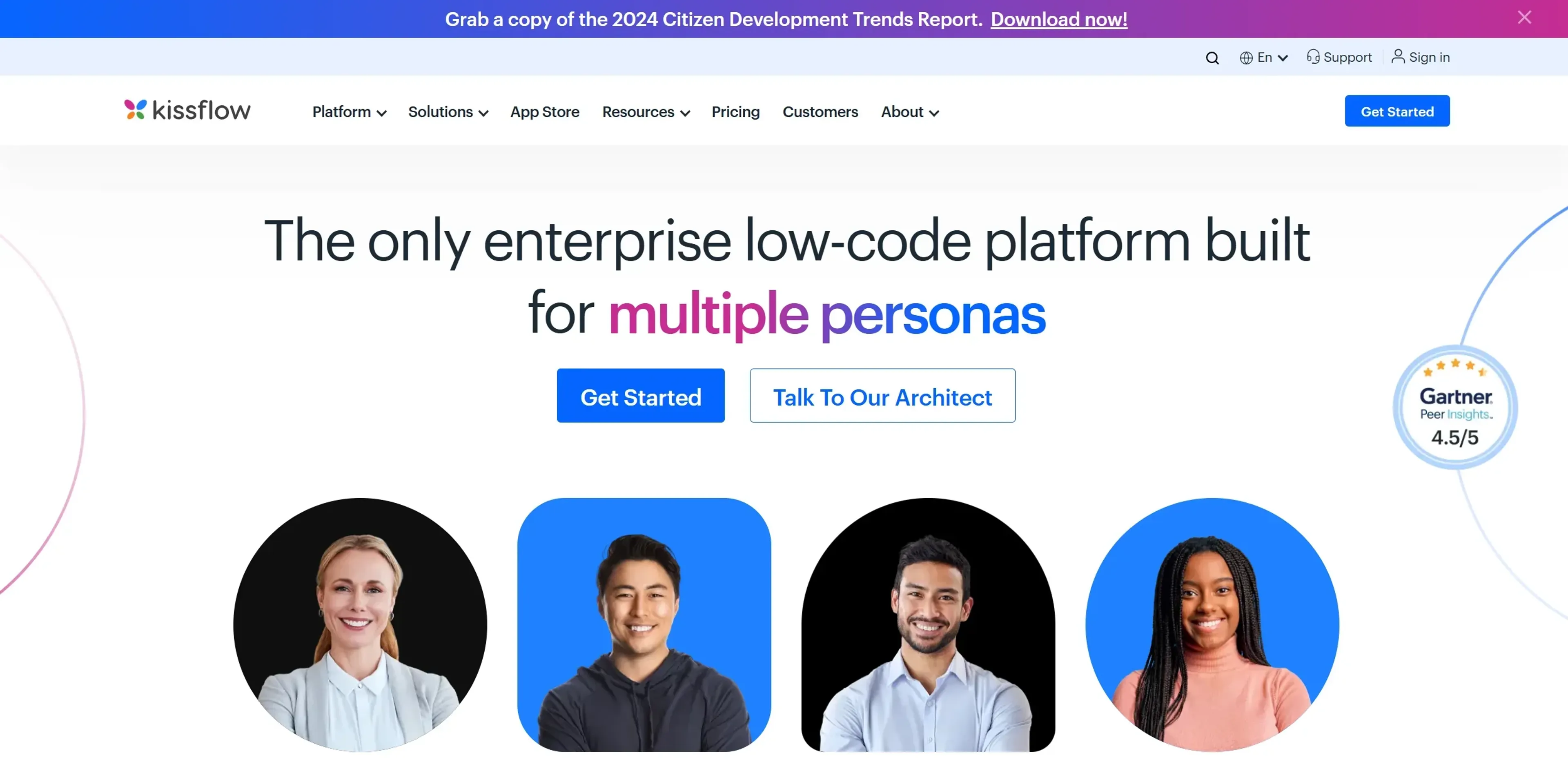
About Kissflow Digital Workplace
Kissflow Digital Workplace is a dynamic platform that transforms the way businesses approach application development and workflow management. With its AI-powered low-code and no-code capabilities, it offers a seamless solution for organizations looking to enhance their digital transformation efforts. The tool is designed to empower IT leaders, developers, process owners, and business users by simplifying complex tasks and fostering innovation through citizen development.
Key Features
- AI Workflow Orchestration: Kissflow leverages AI-driven algorithms to automate and streamline workflows, ensuring efficient process management.
- Low-Code App Builder: This feature enables users to create fully functional applications with minimal coding, accelerating development cycles.
- Integration Capabilities: Kissflow provides easy no-code connectors to link essential systems, enhancing interoperability across various platforms.
- Customizable Dashboards: Users can create flexible interfaces that provide actionable insights, improving decision-making processes.
Pros
- User-Friendly Interface: The intuitive design makes it easy for users of all skill levels to navigate and utilize the platform effectively.
- Rapid Deployment: Kissflow's low-code and no-code tools significantly reduce the time needed to develop and deploy applications.
- Scalable Solutions: The platform is built to grow with your business, accommodating increasing demands and complexity.
- Strong Customer Support: With a median chat support response time of five minutes, Kissflow ensures users receive timely assistance.
Cons
- Initial Learning Curve: While user-friendly, new users may initially find it challenging to master all advanced features.
- Limited Third-Party Integrations: Some users might find the range of supported third-party platforms to be limited compared to other tools.
Use Cases
- IT Leaders: Utilizing the platform for digital transformation and process automation.
- Developers: Employing Kissflow to accelerate application development with low-code solutions.
- Business Process Owners: Leveraging the tool to manage and optimize workflows efficiently.
- Healthcare Providers: Using the platform for patient management and administrative workflows.
- Employed by educational institutions for digital curriculum development.
- Adopted by non-profit organizations for donor management and engagement.
Pricing
Free Tier: Experience Kissflow Digital Workplace with a 14-day free trial. Pro Tier: The Pro Tier starts at $1500 per month. Disclaimer: Please note that pricing information may not be up to date. For the most accurate and current pricing details, refer to the official Kissflow website.
What Makes It Unique
Kissflow Digital Workplace stands out with its robust low-code and no-code development capabilities, making it a game-changer for businesses seeking rapid digital transformation. Its ability to empower non-technical users, or citizen developers, to create sophisticated applications without extensive coding knowledge sets it apart in the industry.
Ratings
Accuracy and Reliability: 4.5/5 Ease of Use: 4.7/5 Functionality and Features: 4.6/5 Performance and Speed: 4.4/5 Customization and Flexibility: 4.3/5 Data Privacy and Security: 4.5/5 Support and Resources: 4.8/5 Cost-Efficiency: 4.2/5 Integration Capabilities: 4.0/5 Overall Score: 4.5/5
Key Features
Pros & Cons
- User-Friendly Interface: The intuitive design makes it easy for users of all skill levels to navigate and utilize the platform effectively.
- Rapid Deployment: Kissflow's low-code and no-code tools significantly reduce the time needed to develop and deploy applications.
- Scalable Solutions: The platform is built to grow with your business, accommodating increasing demands and complexity.
- Strong Customer Support: With a median chat support response time of five minutes, Kissflow ensures users receive timely assistance.
- Initial Learning Curve: While user-friendly, new users may initially find it challenging to master all advanced features.
- Limited Third-Party Integrations: Some users might find the range of supported third-party platforms to be limited compared to other tools.
Best For
Alternatives to Kissflow Digital Workplace
VocAI
Monitor sentiment, visualize feedback, and filter customer preferences for actionable insights.
ParentMate
Personalized, evidence-based parenting guidance—built on child psychology and tailored to your family.
User Evaluation
Gain unparalleled customer insights with User Evaluation's AI-powered tools.
Automatic Chat
Streamline Customer Service with AI-Powered Chatbots from automatic.chat
Freshdesk
Cloud-based customer support
ChatMaxima
Centralize Your Business Communications with ChatMaxima