

Clarion
FreeAutomates healthcare workflows, enhancing patient engagement and efficiency.
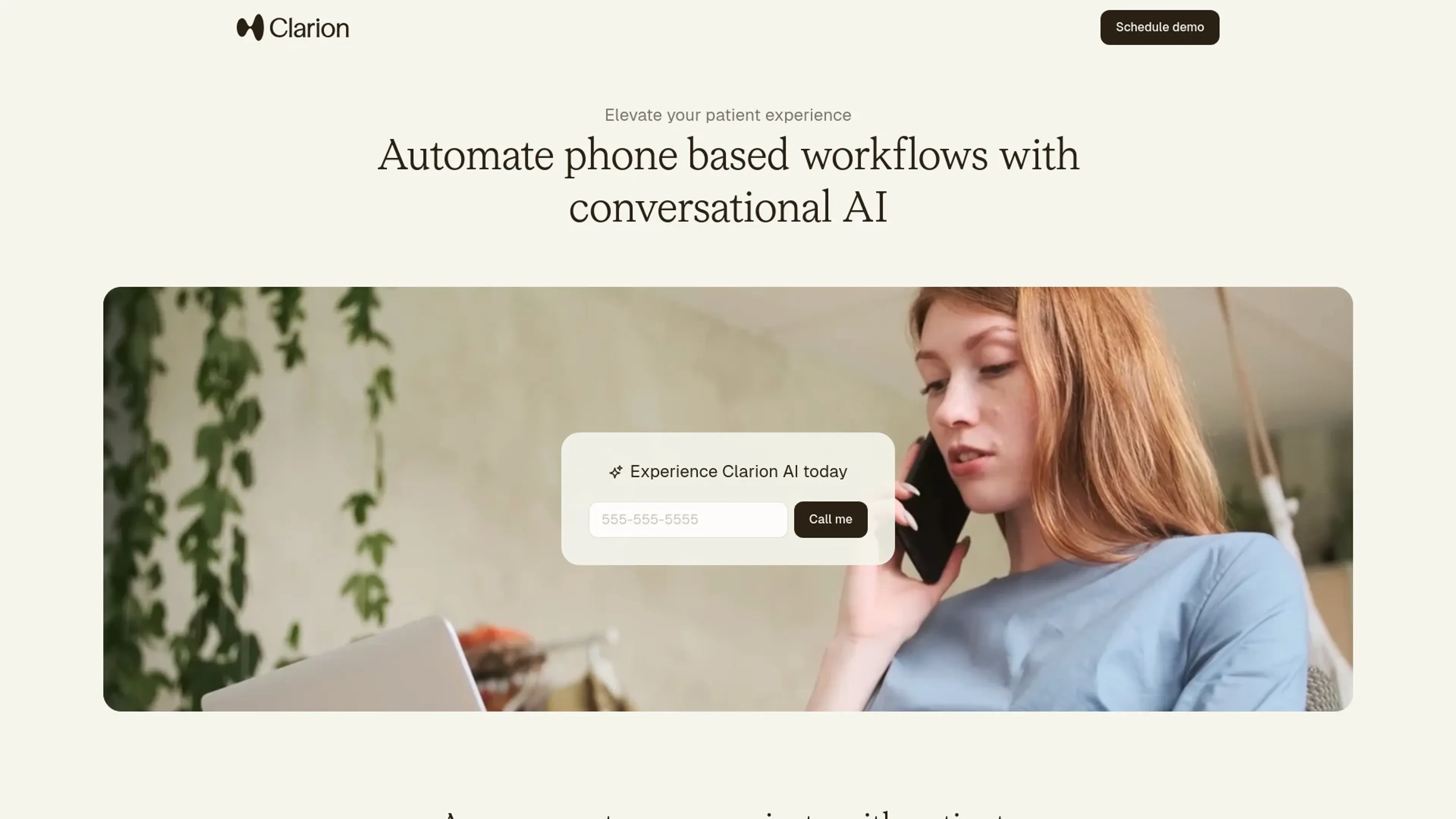
About Clarion
Clarion is an innovative AI tool designed to revolutionize the way healthcare providers manage phone-based workflows. By automating routine tasks such as appointment scheduling, billing inquiries, and prescription refills, Clarion aims to elevate the patient experience while freeing up healthcare staff to focus on delivering exceptional in-person care. This tool is particularly beneficial for clinics looking to maximize growth, reduce no-shows, and capture after-hours demand by engaging with patients 24/7 through natural AI conversations.
Key Features
- Automated Appointment Management: Allows patients to book, reschedule, and cancel appointments at any time, reducing administrative workload.
- Billing and Insurance Assistance: Handles common billing questions and collects payments over the phone, streamlining the process for both patients and staff.
- Prescription Refill Processing: Automates routine refill requests and forwards them to providers for approval, ensuring timely patient care.
- Integration with Existing Systems: Seamlessly connects with EHR and practice management systems, allowing for efficient data exchange and workflow integration.
Pros
- Round-the-Clock Support: Provides 24/7 access to patient support across multiple channels, ensuring constant availability.
- Enhanced Patient Engagement: Delivers personalized conversations that build trust and satisfaction among patients.
- Cost-Effective Solution: Significantly reduces administrative staff costs by automating repetitive tasks.
- Quick Implementation: Can be deployed within 1-2 weeks, minimizing disruption to existing workflows.
Cons
- Initial Learning Curve: Some users may require time to adapt to the new AI-driven processes.
- Language Limitations: Currently supports only English and Spanish, which may limit reach to non-English and non-Spanish speaking patients.
Use Cases
- Healthcare Clinics: Utilizing Clarion to automate patient communication and streamline administrative tasks.
- Hospital Systems: Adopting the tool to enhance patient engagement and reduce operational inefficiencies.
- Specialty Practices: Leveraging AI to manage high volumes of patient interactions without increasing staff.
- Dental Offices: Employing the tool for scheduling and follow-up communications.
- Uncommon Use Cases: Used by telemedicine providers to manage virtual patient interactions; adopted by mental health facilities to facilitate appointment scheduling and follow-ups.
Pricing
Outcome-Based Pricing Model: Charges are incurred only when the AI successfully resolves a patient issue or request, aligning Clarion's goals with the user's success. Disclaimer: Please note that pricing information may not be up to date. For the most accurate and current pricing details, refer to the official Clarion website.
What Makes It Unique
Clarion stands out with its outcome-based pricing model, which ensures that users only pay for successful interactions. This aligns the tool's success with that of the healthcare provider, offering a risk-free approach to adopting AI-driven solutions. Additionally, its seamless integration with existing systems and personalized patient interactions set it apart from traditional communication tools.
Ratings
Accuracy and Reliability: 4.7/5 Ease of Use: 4.5/5 Functionality and Features: 4.8/5 Performance and Speed: 4.6/5 Customization and Flexibility: 4.3/5 Data Privacy and Security: 4.9/5 Support and Resources: 4.4/5 Cost-Efficiency: 4.6/5 Integration Capabilities: 4.7/5 Overall Score: 4.6/5
Key Features
Pros & Cons
- Round-the-Clock Support: Provides 24/7 access to patient support across multiple channels, ensuring constant availability.
- Enhanced Patient Engagement: Delivers personalized conversations that build trust and satisfaction among patients.
- Cost-Effective Solution: Significantly reduces administrative staff costs by automating repetitive tasks.
- Quick Implementation: Can be deployed within 1-2 weeks, minimizing disruption to existing workflows.
- Initial Learning Curve: Some users may require time to adapt to the new AI-driven processes.
- Language Limitations: Currently supports only English and Spanish, which may limit reach to non-English and non-Spanish speaking patients.
Best For
Alternatives to Clarion
VocAI
Monitor sentiment, visualize feedback, and filter customer preferences for actionable insights.
ParentMate
Personalized, evidence-based parenting guidance—built on child psychology and tailored to your family.
User Evaluation
Gain unparalleled customer insights with User Evaluation's AI-powered tools.
Automatic Chat
Streamline Customer Service with AI-Powered Chatbots from automatic.chat
Freshdesk
Cloud-based customer support
ChatMaxima
Centralize Your Business Communications with ChatMaxima