

Azara
FreemiumRevolutionize enterprise workflows with AI-driven automation and integration.
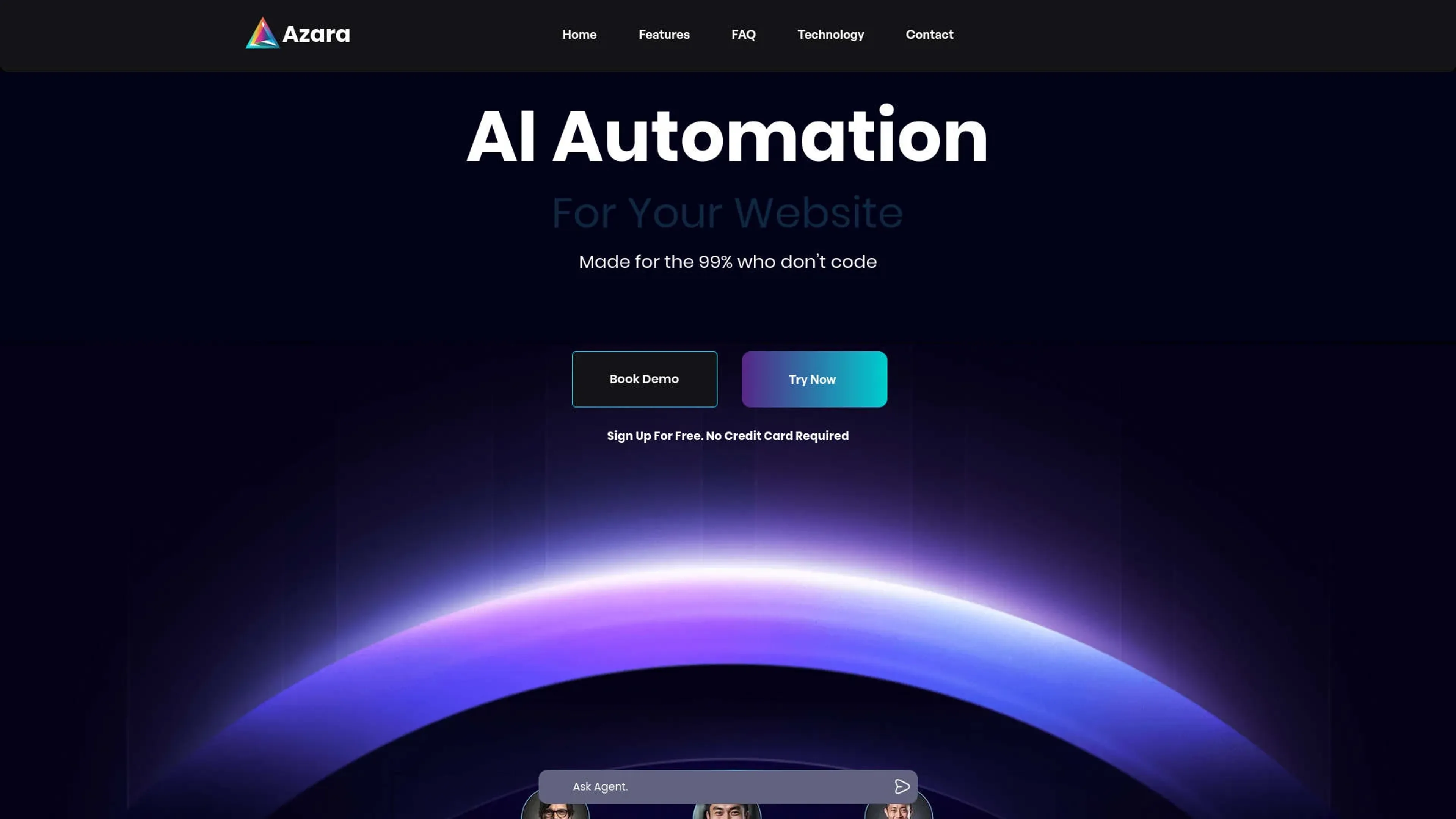
About Azara
Azara is an innovative AI tool designed to transform back-office operations for enterprises by providing AI Agents-as-a-Service. This groundbreaking platform simplifies complex, multi-step tasks with natural language command responses and integrates seamlessly with a wide range of applications. Azara is built to enhance efficiency and effectiveness in enterprise workflows, making it an essential tool for modern businesses.
Key Features
- Generative Workflows: Azara’s AI agents handle complex tasks without requiring technical expertise from the user.
- Complete Control: Offers enterprise-ready permissions for robust control over AI systems.
- Multi-Agent Decision Making: AI agents execute tasks, write code, and dynamically adjust their actions.
- Extensive Integration: Connects with websites, WhatsApp, emails, Slack, and more, providing versatile deployment options.
Pros
- Cost Efficiency: Performs tasks for as low as $2/hr, significantly reducing operational costs.
- Advanced Automation: Outperforms traditional chatbots by managing multi-step tasks across various applications.
- Rapid Deployment: Allows businesses to start using the tool in under 5 minutes, quickly enhancing support operations and documentation searches.
- Scalable Solutions: Designed to scale with enterprise needs, adapting to growing demands seamlessly.
Cons
- Complexity for Beginners: The broad capabilities might initially overwhelm new users, despite the no-tech requirement.
- Dependency on Integration: Optimal functionality relies on successful integration with existing systems.
- Limited Offline Functionality: Most features need an internet connection to operate effectively.
Use Cases
- Large Enterprises: Utilize Azara for comprehensive workflow automation across various departments.
- Tech Companies: Leverage AI agents for managing code generation and application interfacing.
- HR Departments: Automate processes like employee onboarding, form integration, and scheduling.
- Customer Support Centers: Enhance customer interactions with AI-driven responses and knowledge bases.
- Uncommon Use Cases: Non-profits use Azara for managing donor communications and fundraising; educational institutions integrate it for automating administrative tasks.
Pricing
Enterprise Plan: Custom pricing based on the organization's size and specific requirements. Standard Plan: Core features available starting at a competitive rate (specific rates are available upon request). Disclaimer: Pricing details may vary. For the most accurate and current pricing information, visit the official Azara website.
What Makes It Unique
Azara distinguishes itself with AI-powered agents that perform and understand complex commands across multiple platforms. Its ability to securely train on private company data and offer enterprise-level customization makes it a standout choice in the AI tools landscape.
Ratings
Accuracy and Reliability: 4.8/5 Ease of Use: 4.5/5 Functionality and Features: 4.9/5 Performance and Speed: 4.7/5 Customization and Flexibility: 4.6/5 Data Privacy and Security: 4.8/5 Support and Resources: 4.5/5 Cost-Efficiency: 4.7/5 Integration Capabilities: 4.8/5 Overall Score: 4.7/5
Key Features
Pros & Cons
- Cost Efficiency: Performs tasks for as low as $2/hr, significantly reducing operational costs.
- Advanced Automation: Outperforms traditional chatbots by managing multi-step tasks across various applications.
- Rapid Deployment: Allows businesses to start using the tool in under 5 minutes, quickly enhancing support operations and documentation searches.
- Scalable Solutions: Designed to scale with enterprise needs, adapting to growing demands seamlessly.
- Complexity for Beginners: The broad capabilities might initially overwhelm new users, despite the no-tech requirement.
- Dependency on Integration: Optimal functionality relies on successful integration with existing systems.
- Limited Offline Functionality: Most features need an internet connection to operate effectively.
Best For
Alternatives to Azara
VocAI
Monitor sentiment, visualize feedback, and filter customer preferences for actionable insights.
ParentMate
Personalized, evidence-based parenting guidance—built on child psychology and tailored to your family.
User Evaluation
Gain unparalleled customer insights with User Evaluation's AI-powered tools.
Automatic Chat
Streamline Customer Service with AI-Powered Chatbots from automatic.chat
Freshdesk
Cloud-based customer support
ChatMaxima
Centralize Your Business Communications with ChatMaxima